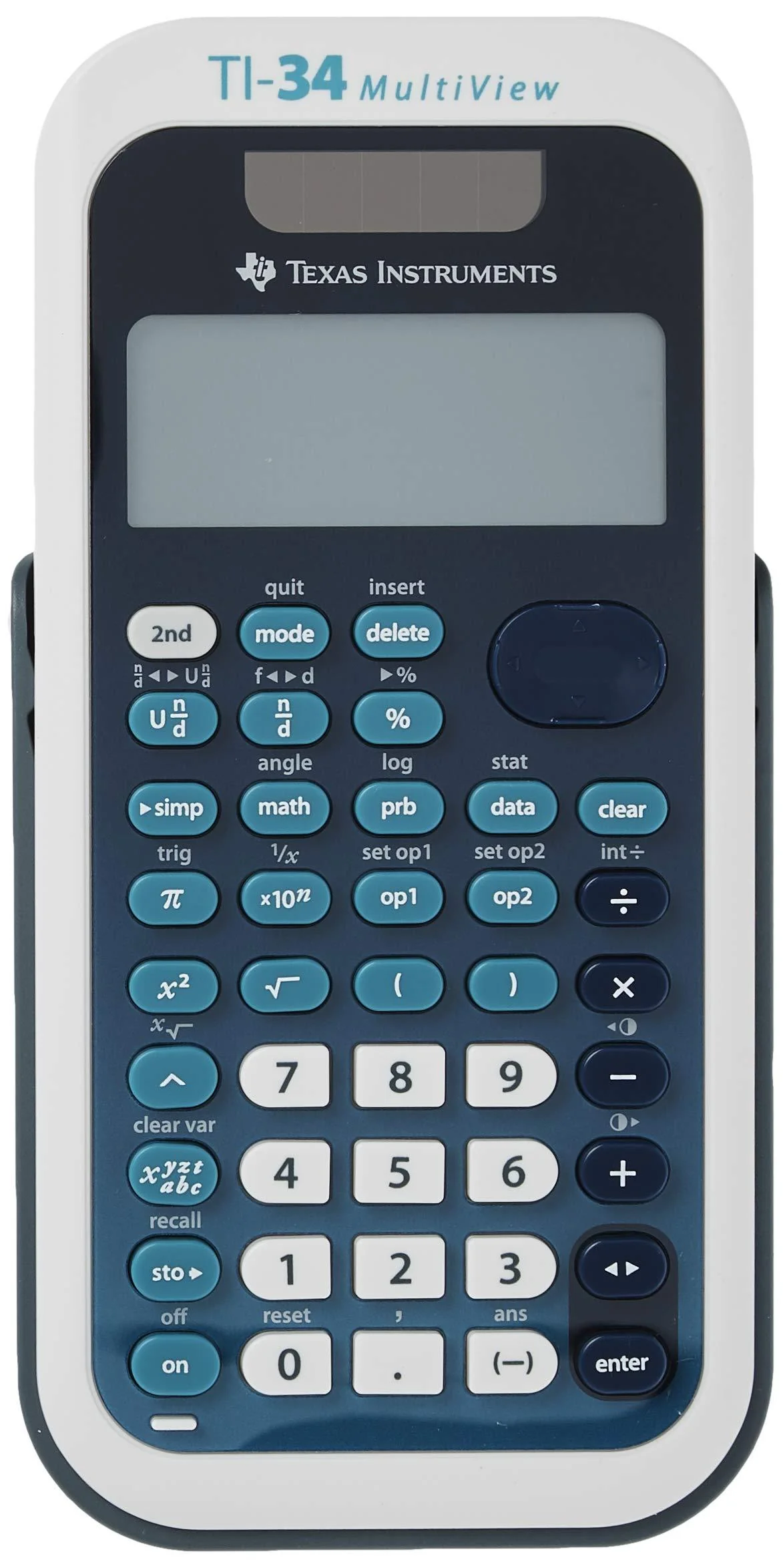
Texas Instruments TI-34 MultiView Scientific Calculator Blue, White Single Pack
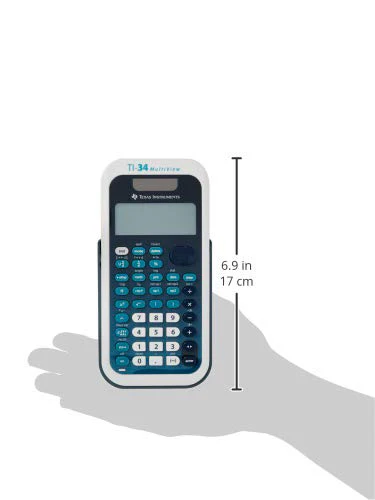
Texas Instruments TI-34 MultiView Scientific Calculator
Color:Blue, White | Style:Single Pack Intermediate, four-line scientific calculator with advanced fraction capabilities for middle school math and science. Key Features: Four-line displayOne- and two-variable statisticsMathPrint™ featureAdvanced fraction capabilitiesStep-by-step fraction simplificationEdit, cut, and paste entriesSolar and battery powered Ideal For: Middle School mathPre-AlgebraAlgebra 1 and 2General scienceGeometry
Product Features
- 4-line display enables scrolling and editing of inputs
- Same functionality as the TI-34II Explorer plus display and feature enhancements
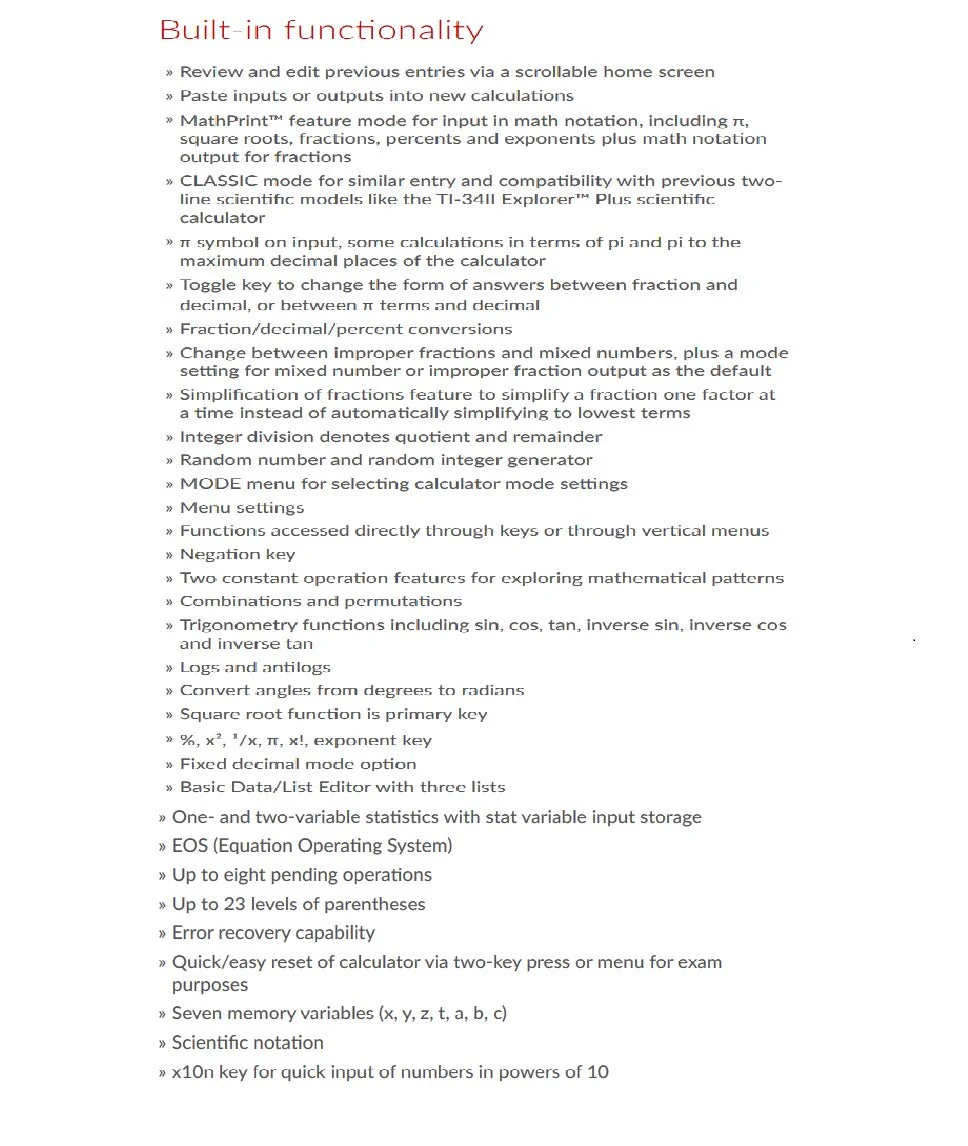
- MATHPRINT mode for input in math notation, including pi, square roots, fractions, percent's and exponents plus math notation output for fractions
- Previous Entry - Lets you review previous entries and look for patterns.
- Menus - Easy to read and navigate pull-down menus similar to those on a graphing calculator.
- All mode settings are located in one central place, the mode screen.
- Scientific Notation Output - View scientific notation with the proper superscripted exponents and see the output in scientific notation.
- Table feature - Easily explore an (x, y) table of values for a given function, automatically or by entering specific x values
- Fraction features - View and perform fraction computations and explorations in familiar textbook format.
- Previous Entry - Lets you review previous entries and look for patterns.
- Menus - Easy to read and navigate pull-down menus similar to those on a graphing calculator.
- All mode settings are located in one central place, the mode screen.
- Scientific Notation Output - View scientific notation with the proper superscripted exponents and see the output in scientific notation.
- Table feature - Easily explore an (x,y) table of values for a given function, automatically or by entering specific x values
More Images
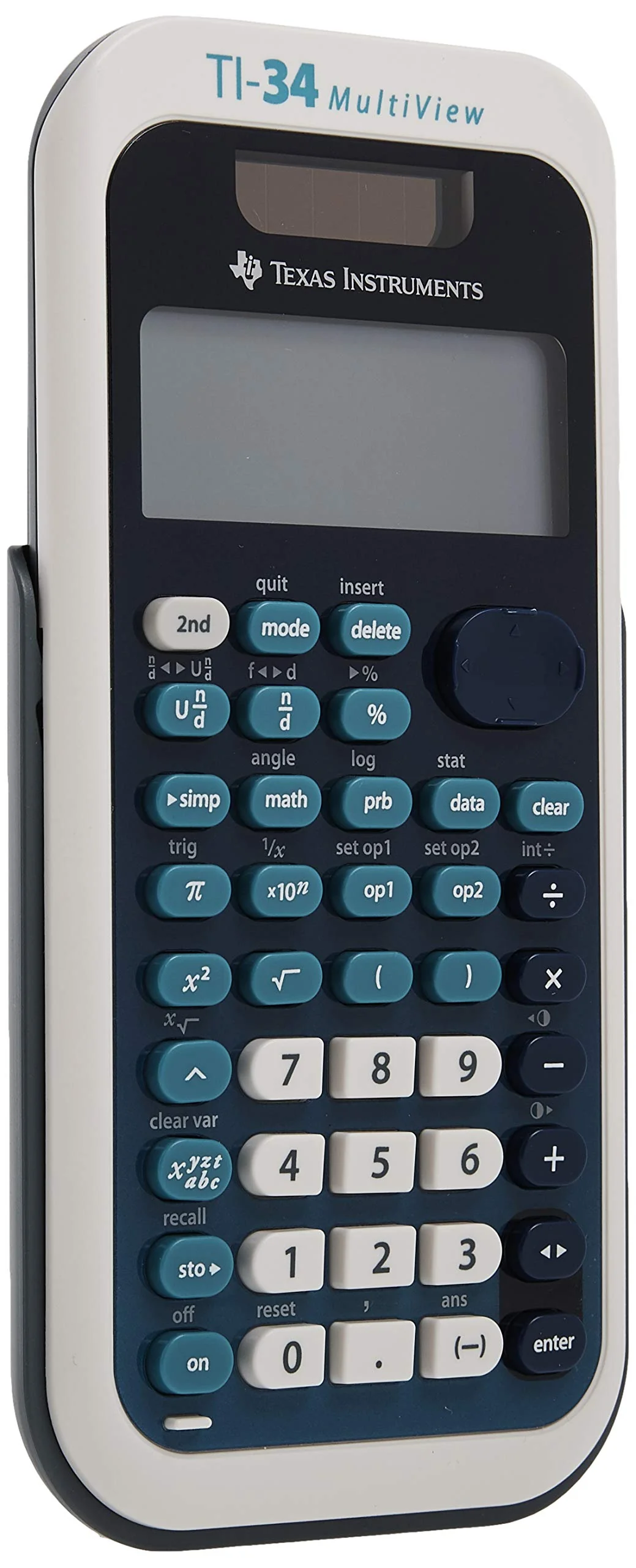


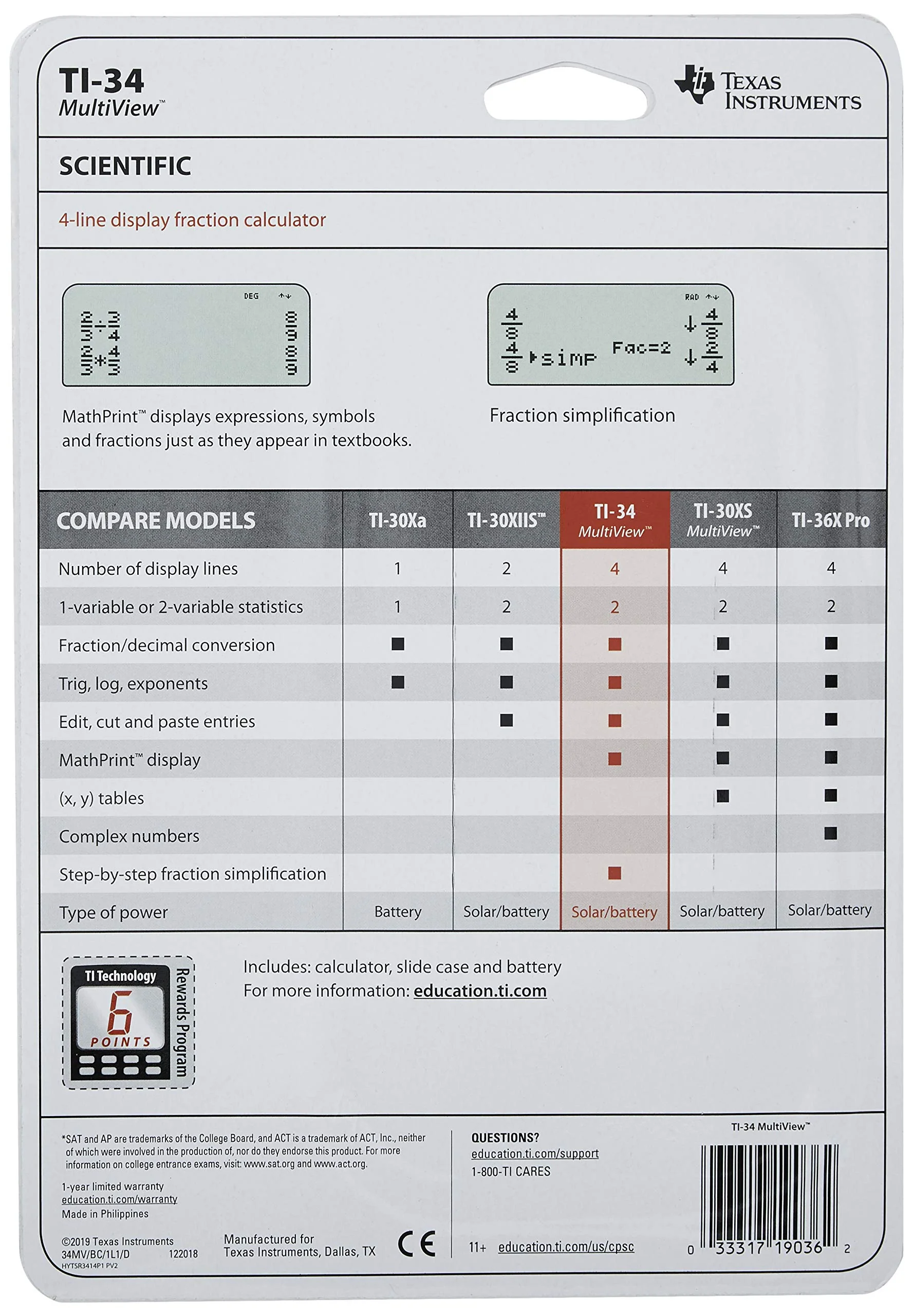
Texas Instruments TI-34 MultiView Scientific Calculator Blue, White Single Pack
Texas Instruments TI-34 MultiView Scientific Calculator
Color:Blue, White | Style:Single Pack Intermediate, four-line scientific calculator with advanced fraction capabilities for middle school math and science. Key Features: Four-line displayOne- and two-variable statisticsMathPrint™ featureAdvanced fraction capabilitiesStep-by-step fraction simplificationEdit, cut, and paste entriesSolar and battery powered Ideal For: Middle School mathPre-AlgebraAlgebra 1 and 2General scienceGeometry
Product Features
- 4-line display enables scrolling and editing of inputs
- Same functionality as the TI-34II Explorer plus display and feature enhancements
- MATHPRINT mode for input in math notation, including pi, square roots, fractions, percent's and exponents plus math notation output for fractions
- Previous Entry - Lets you review previous entries and look for patterns.
- Menus - Easy to read and navigate pull-down menus similar to those on a graphing calculator.
- All mode settings are located in one central place, the mode screen.
- Scientific Notation Output - View scientific notation with the proper superscripted exponents and see the output in scientific notation.
- Table feature - Easily explore an (x, y) table of values for a given function, automatically or by entering specific x values
- Fraction features - View and perform fraction computations and explorations in familiar textbook format.
- Previous Entry - Lets you review previous entries and look for patterns.
- Menus - Easy to read and navigate pull-down menus similar to those on a graphing calculator.
- All mode settings are located in one central place, the mode screen.
- Scientific Notation Output - View scientific notation with the proper superscripted exponents and see the output in scientific notation.
- Table feature - Easily explore an (x,y) table of values for a given function, automatically or by entering specific x values
Product Information
Product Information
Shipping & Returns
Shipping & Returns
Description
Texas Instruments TI-34 MultiView Scientific Calculator
Color:Blue, White | Style:Single Pack Intermediate, four-line scientific calculator with advanced fraction capabilities for middle school math and science. Key Features: Four-line displayOne- and two-variable statisticsMathPrint™ featureAdvanced fraction capabilitiesStep-by-step fraction simplificationEdit, cut, and paste entriesSolar and battery powered Ideal For: Middle School mathPre-AlgebraAlgebra 1 and 2General scienceGeometry
Product Features
- 4-line display enables scrolling and editing of inputs
- Same functionality as the TI-34II Explorer plus display and feature enhancements
- MATHPRINT mode for input in math notation, including pi, square roots, fractions, percent's and exponents plus math notation output for fractions
- Previous Entry - Lets you review previous entries and look for patterns.
- Menus - Easy to read and navigate pull-down menus similar to those on a graphing calculator.
- All mode settings are located in one central place, the mode screen.
- Scientific Notation Output - View scientific notation with the proper superscripted exponents and see the output in scientific notation.
- Table feature - Easily explore an (x, y) table of values for a given function, automatically or by entering specific x values
- Fraction features - View and perform fraction computations and explorations in familiar textbook format.
- Previous Entry - Lets you review previous entries and look for patterns.
- Menus - Easy to read and navigate pull-down menus similar to those on a graphing calculator.
- All mode settings are located in one central place, the mode screen.
- Scientific Notation Output - View scientific notation with the proper superscripted exponents and see the output in scientific notation.
- Table feature - Easily explore an (x,y) table of values for a given function, automatically or by entering specific x values