🚚 Free Worldwide Shipping on All Orders!Shop Now

HomeStore
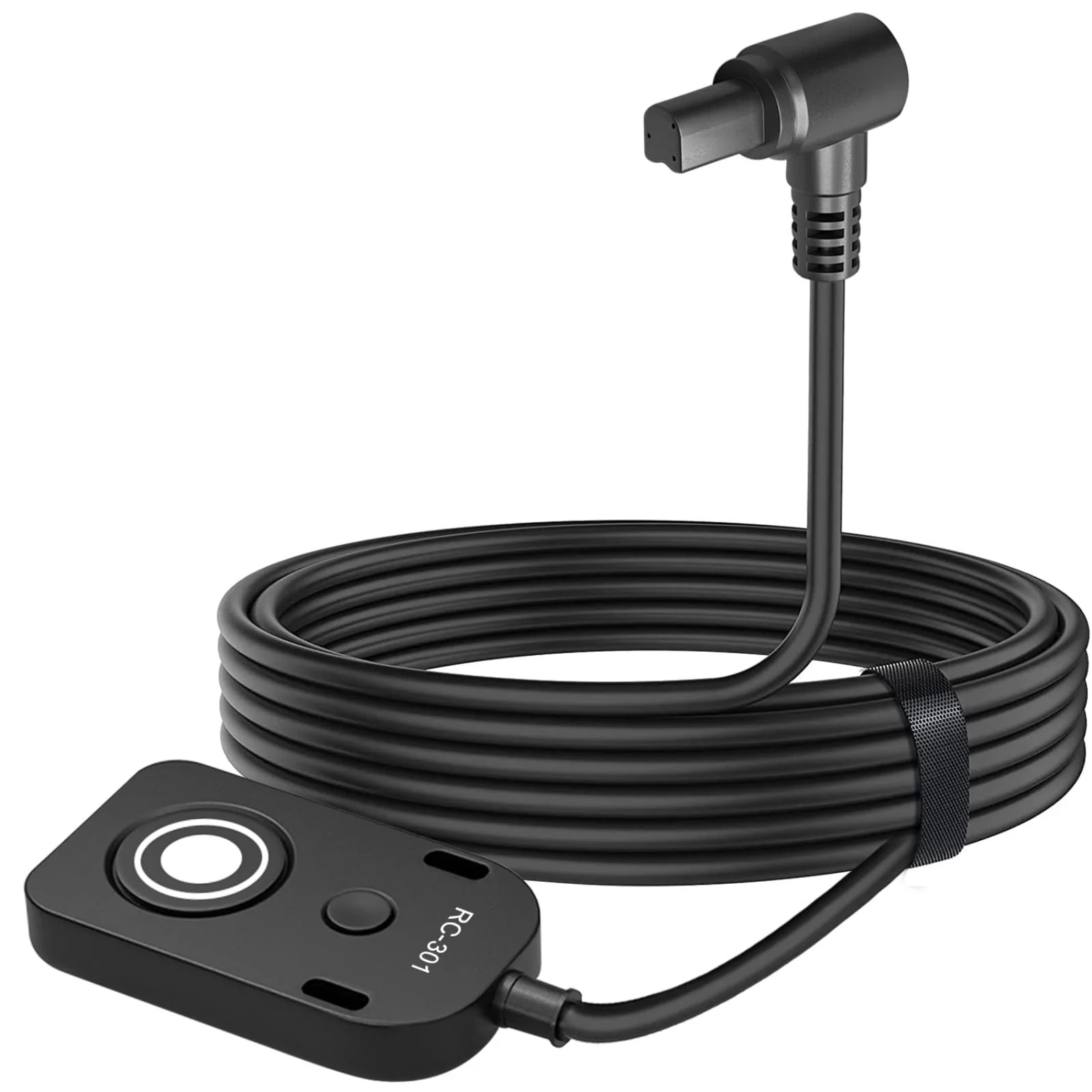
Shutter Release Cable Compatible for Canon Cameras Replaces RS-80N3 R5C、R5、1DX Mark II、1Ds II、1Ds III、5D、5D Mark II、5D Mark III、5D Mark IV、5DS、5DSR、6D、6D Mark II、7D、7D Mark II Remote Shutter Switch
Shutter Release Cable Compatible for Canon Cameras Replaces RS-80N3 R5C、R5、1DX Mark II、1Ds II、1Ds III、5D、5D Mark II、5D Mark III、5D Mark IV、5DS、5DSR、6D、6D Mark II、7D、7D Mark II Remote Shutter Switch
Shutter Release Cable Compatible for Canon Cameras Replaces RS-80N3 R5C、R5、1DX Mark II、1Ds II、1Ds III、5D、5D Mark II、5D Mark III、5D Mark IV、5DS、5DSR、6D、6D Mark II、7D、7D Mark II Remote Shutter Switch
Product Features
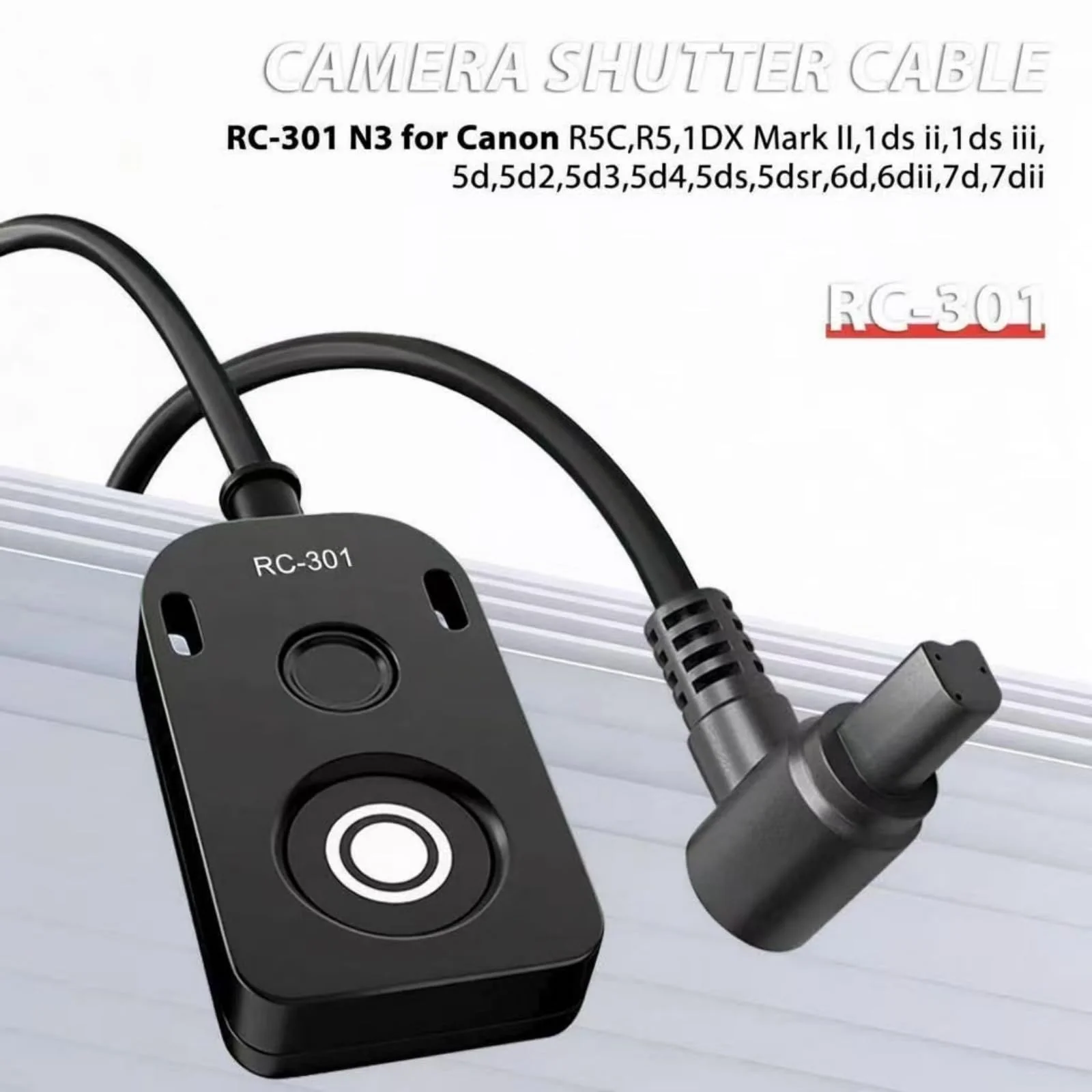
- COMPATIBILITY: Works with multiple Canon camera models includingR5C, R5, 1DX Mark II, 1Ds II, 1Ds III, 5D, 5D Mark II, 5D Mark III, 5D Mark IV, 5DS, 5DSR, 6D, 6D Mark II, 7D, 7D Mark II through the N3 port connection
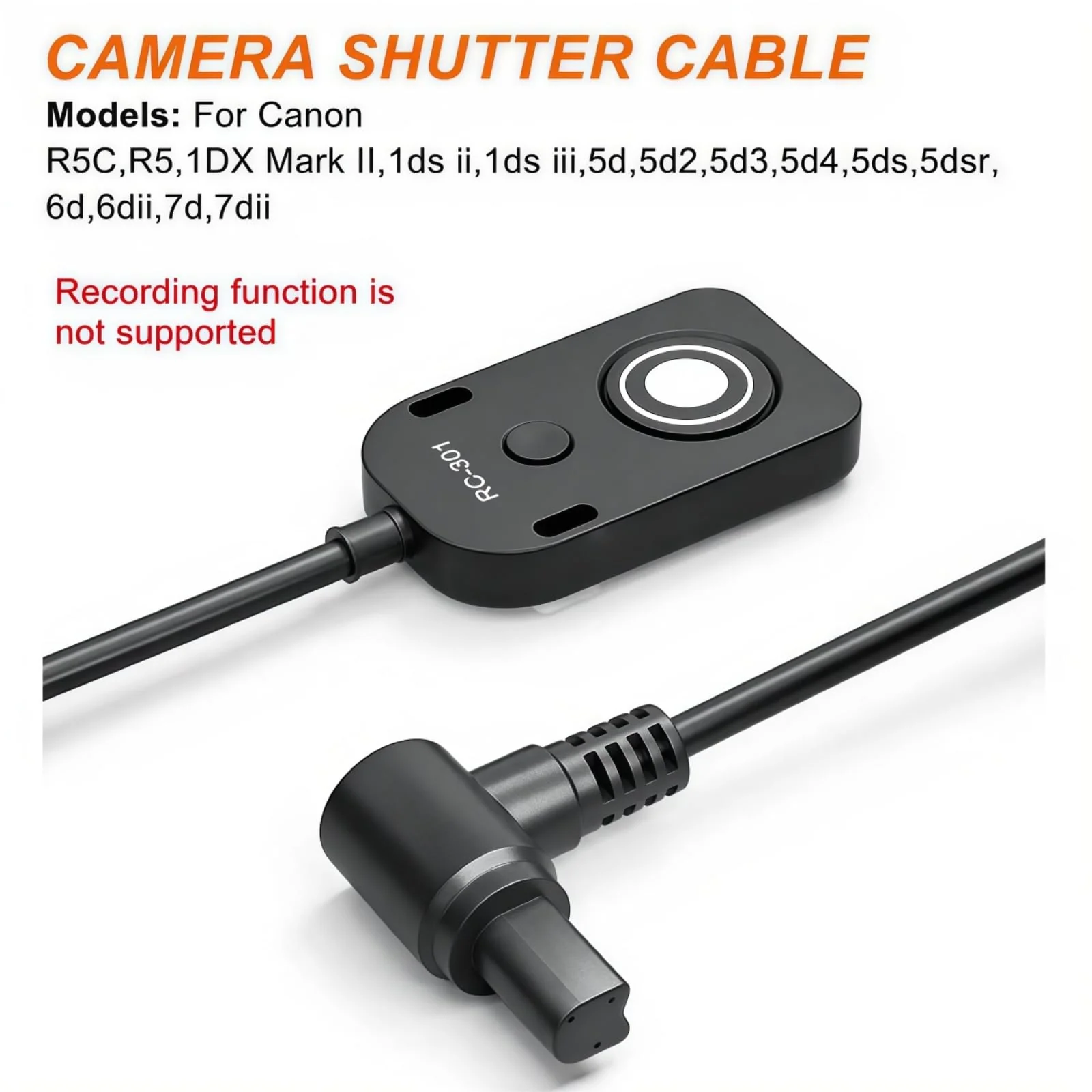
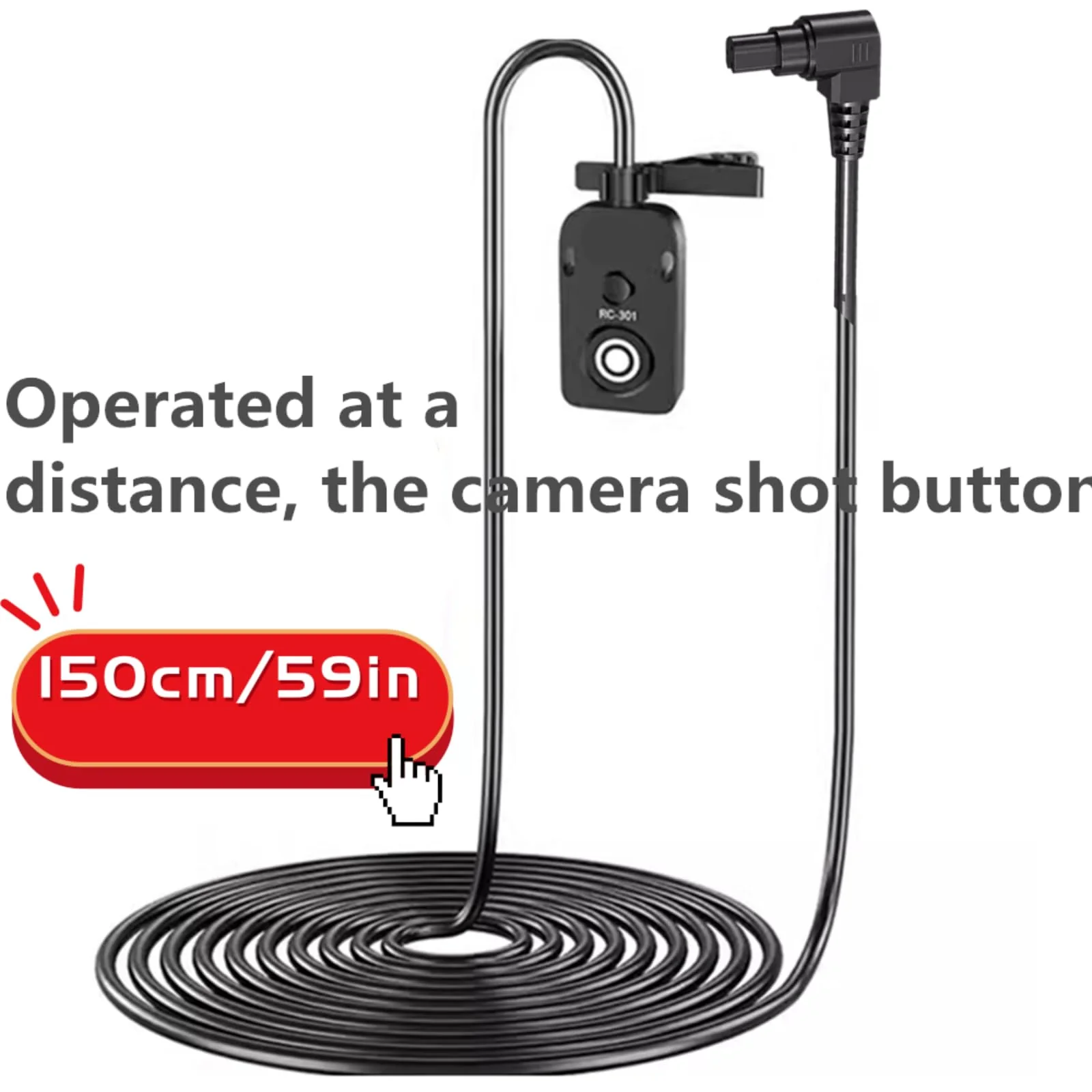
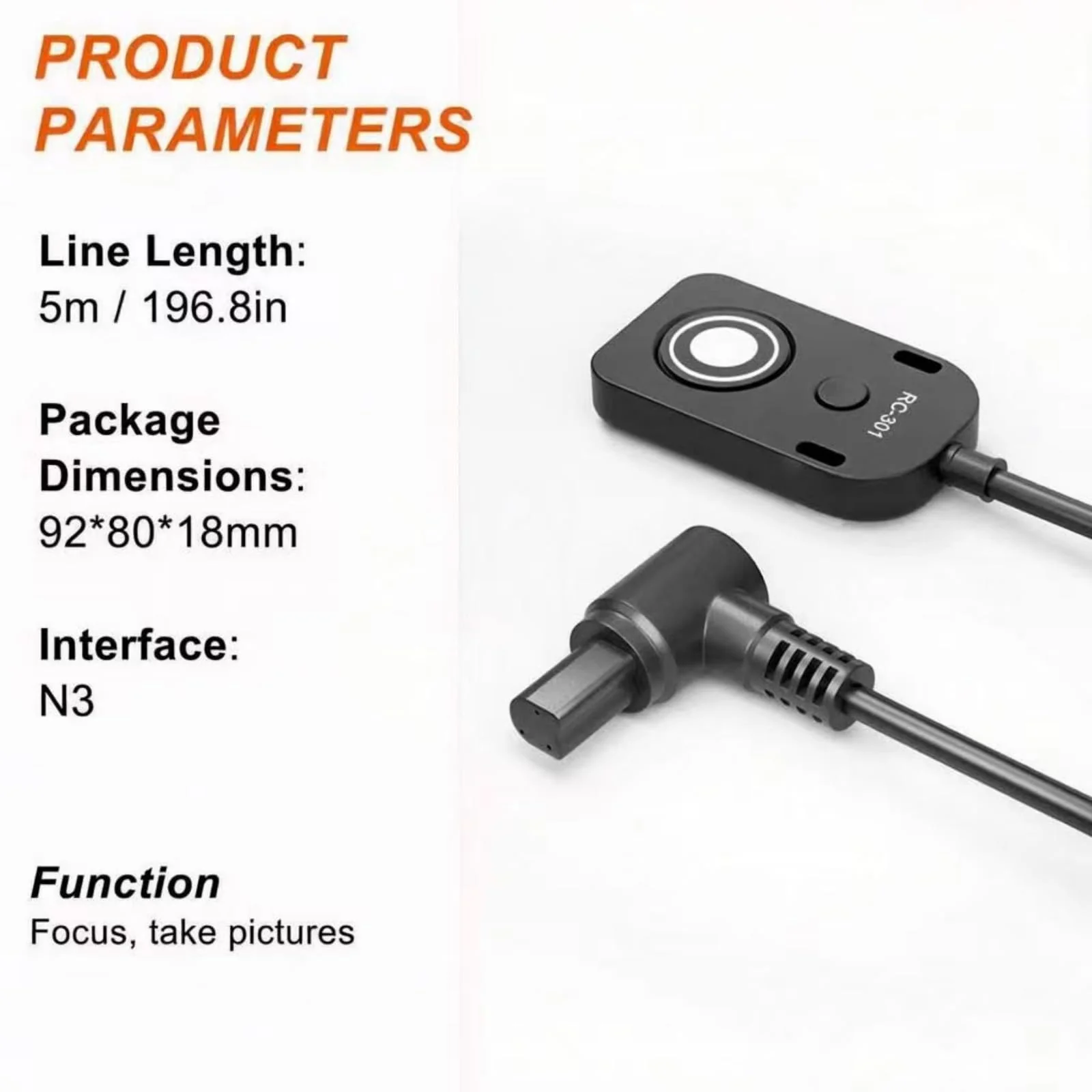
- CABLE SPECS: Features a 150cm (59-inch) long cable with 3.0mm outer diameter, perfect for comfortable shooting distance while maintaining stability R5/R5C (N3 interface) supports video recording. Follow these setup steps: Press the MODE button to enter AV mode. Press the camera's INFO button once. Switch to the video file menu. Select Video M (Manual Exposure) - Confirm. Enter the menu (1-7) and locate Movie Shutter Button Function. Select Fully Pressed. Start/stop video recording.
- POWER SOURCE: Battery-free design powered directly by the camera, ensuring reliable operation without need for separate power supply
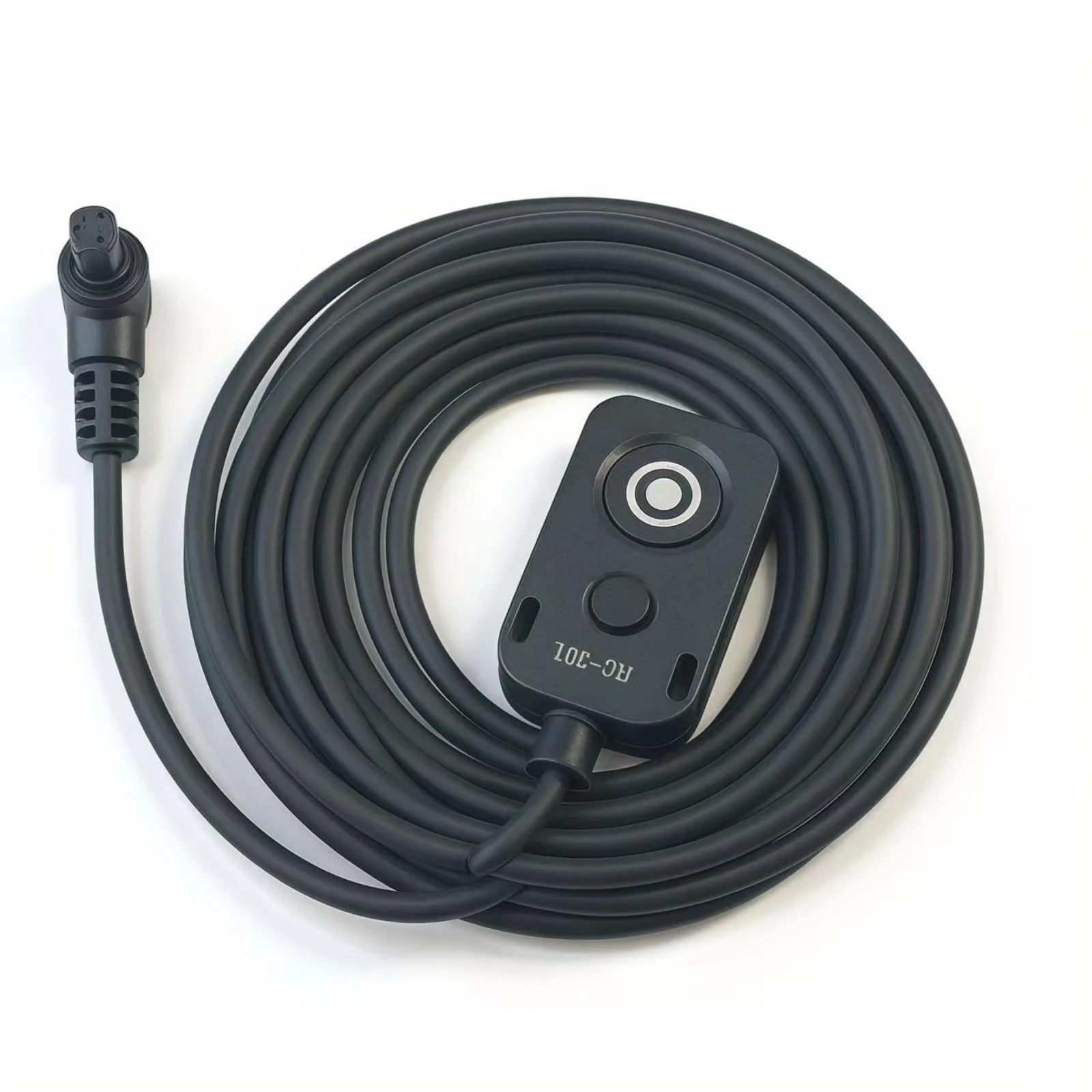
- COMPACT DESIGN: Lightweight at just 30g with compact controller dimensions of approximately 1.6 x 0.8 inches for easy handling and storage
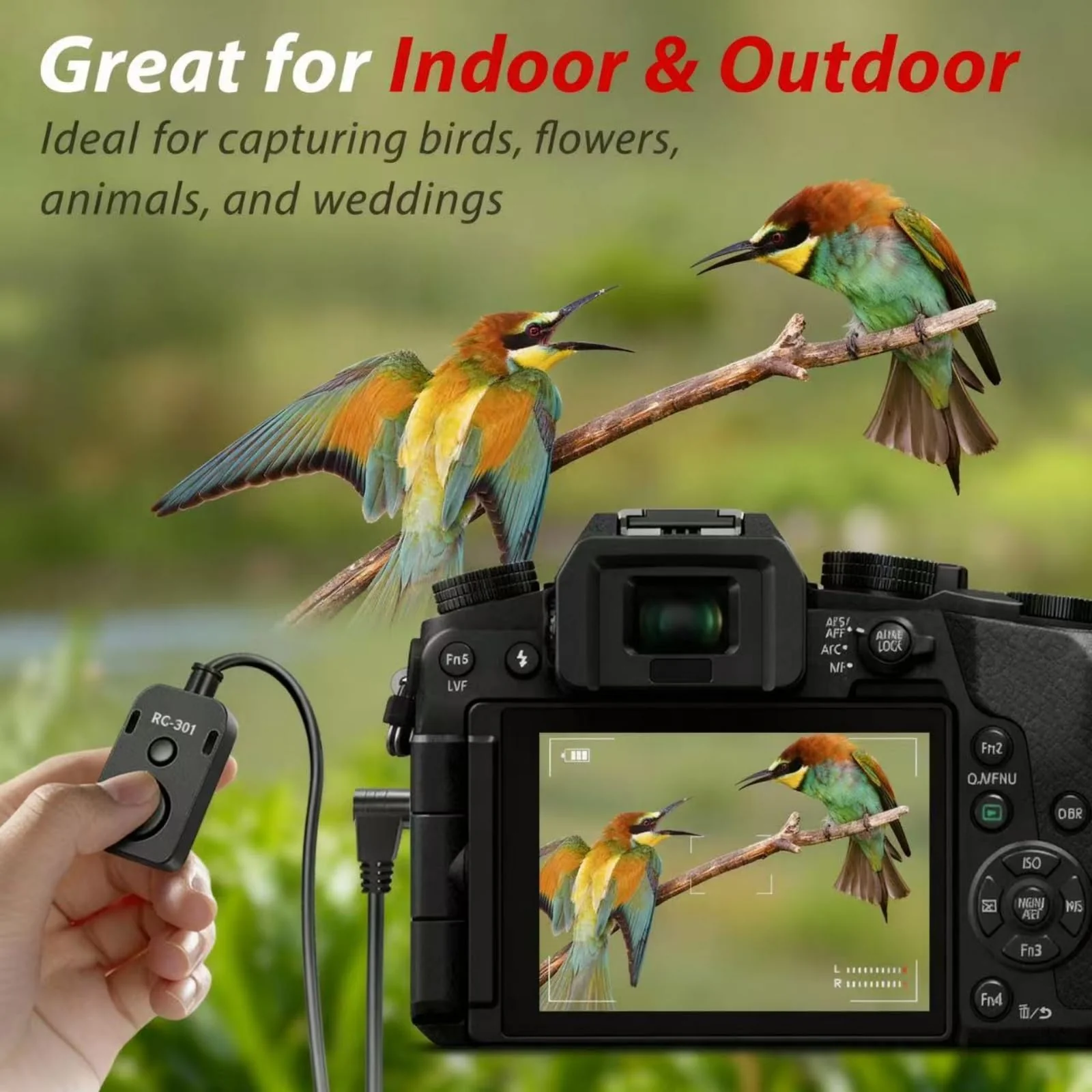
- FUNCTIONALITY: Provides same operation as camera's built-in shutter button with responsive electronic trigger for precise shooting control
$78.23
Shutter Release Cable Compatible for Canon Cameras Replaces RS-80N3 R5C、R5、1DX Mark II、1Ds II、1Ds III、5D、5D Mark II、5D Mark III、5D Mark IV、5DS、5DSR、6D、6D Mark II、7D、7D Mark II Remote Shutter Switch—
$78.23
More Images
Shutter Release Cable Compatible for Canon Cameras Replaces RS-80N3 R5C、R5、1DX Mark II、1Ds II、1Ds III、5D、5D Mark II、5D Mark III、5D Mark IV、5DS、5DSR、6D、6D Mark II、7D、7D Mark II Remote Shutter Switch
Shutter Release Cable Compatible for Canon Cameras Replaces RS-80N3 R5C、R5、1DX Mark II、1Ds II、1Ds III、5D、5D Mark II、5D Mark III、5D Mark IV、5DS、5DSR、6D、6D Mark II、7D、7D Mark II Remote Shutter Switch
Product Features
- COMPATIBILITY: Works with multiple Canon camera models includingR5C, R5, 1DX Mark II, 1Ds II, 1Ds III, 5D, 5D Mark II, 5D Mark III, 5D Mark IV, 5DS, 5DSR, 6D, 6D Mark II, 7D, 7D Mark II through the N3 port connection
- CABLE SPECS: Features a 150cm (59-inch) long cable with 3.0mm outer diameter, perfect for comfortable shooting distance while maintaining stability R5/R5C (N3 interface) supports video recording. Follow these setup steps: Press the MODE button to enter AV mode. Press the camera's INFO button once. Switch to the video file menu. Select Video M (Manual Exposure) - Confirm. Enter the menu (1-7) and locate Movie Shutter Button Function. Select Fully Pressed. Start/stop video recording.
- POWER SOURCE: Battery-free design powered directly by the camera, ensuring reliable operation without need for separate power supply
- COMPACT DESIGN: Lightweight at just 30g with compact controller dimensions of approximately 1.6 x 0.8 inches for easy handling and storage
- FUNCTIONALITY: Provides same operation as camera's built-in shutter button with responsive electronic trigger for precise shooting control
Product Information
Product Information
Shipping & Returns
Shipping & Returns
Description
Shutter Release Cable Compatible for Canon Cameras Replaces RS-80N3 R5C、R5、1DX Mark II、1Ds II、1Ds III、5D、5D Mark II、5D Mark III、5D Mark IV、5DS、5DSR、6D、6D Mark II、7D、7D Mark II Remote Shutter Switch
Product Features
- COMPATIBILITY: Works with multiple Canon camera models includingR5C, R5, 1DX Mark II, 1Ds II, 1Ds III, 5D, 5D Mark II, 5D Mark III, 5D Mark IV, 5DS, 5DSR, 6D, 6D Mark II, 7D, 7D Mark II through the N3 port connection
- CABLE SPECS: Features a 150cm (59-inch) long cable with 3.0mm outer diameter, perfect for comfortable shooting distance while maintaining stability R5/R5C (N3 interface) supports video recording. Follow these setup steps: Press the MODE button to enter AV mode. Press the camera's INFO button once. Switch to the video file menu. Select Video M (Manual Exposure) - Confirm. Enter the menu (1-7) and locate Movie Shutter Button Function. Select Fully Pressed. Start/stop video recording.
- POWER SOURCE: Battery-free design powered directly by the camera, ensuring reliable operation without need for separate power supply
- COMPACT DESIGN: Lightweight at just 30g with compact controller dimensions of approximately 1.6 x 0.8 inches for easy handling and storage
- FUNCTIONALITY: Provides same operation as camera's built-in shutter button with responsive electronic trigger for precise shooting control