🚚 Free Worldwide Shipping on All Orders!Shop Now

HomeStore
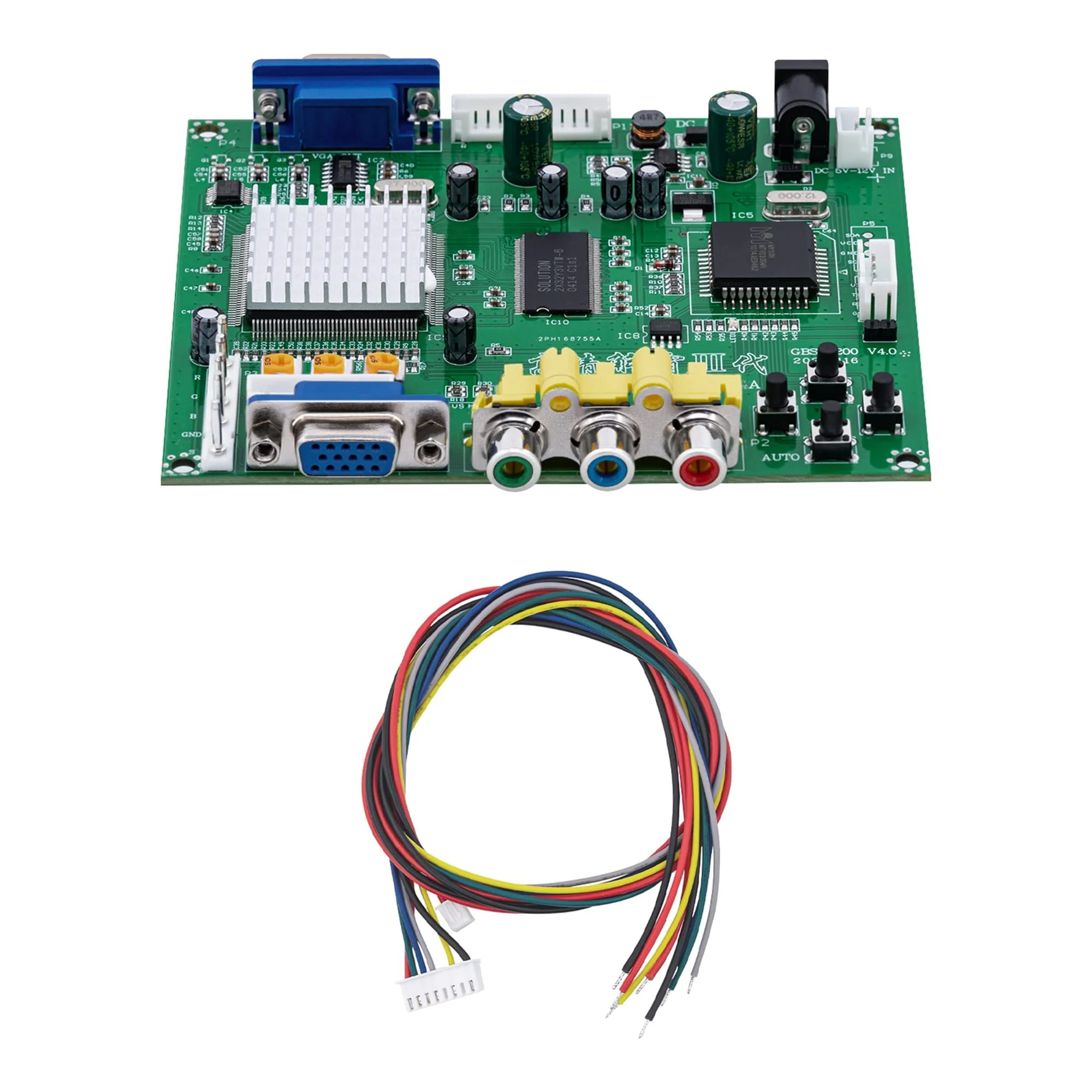
Mcbazel Arcade Game RGB/CGA/EGA to VGA HD Game Video Output Converter Board for Arcade Monitor to CRT LCD PDP Projector
Mcbazel Arcade Game RGB/CGA/EGA to VGA HD Game Video Output Converter Board for Arcade Monitor to CRT LCD PDP Projector
Mcbazel Arcade Game RGB/CGA/EGA to VGA HD Game Video Output Converter Board for Arcade Monitor to CRT LCD PDP Projector
Product Features
- The high definition Video converter is a professional game converter, which support all games.
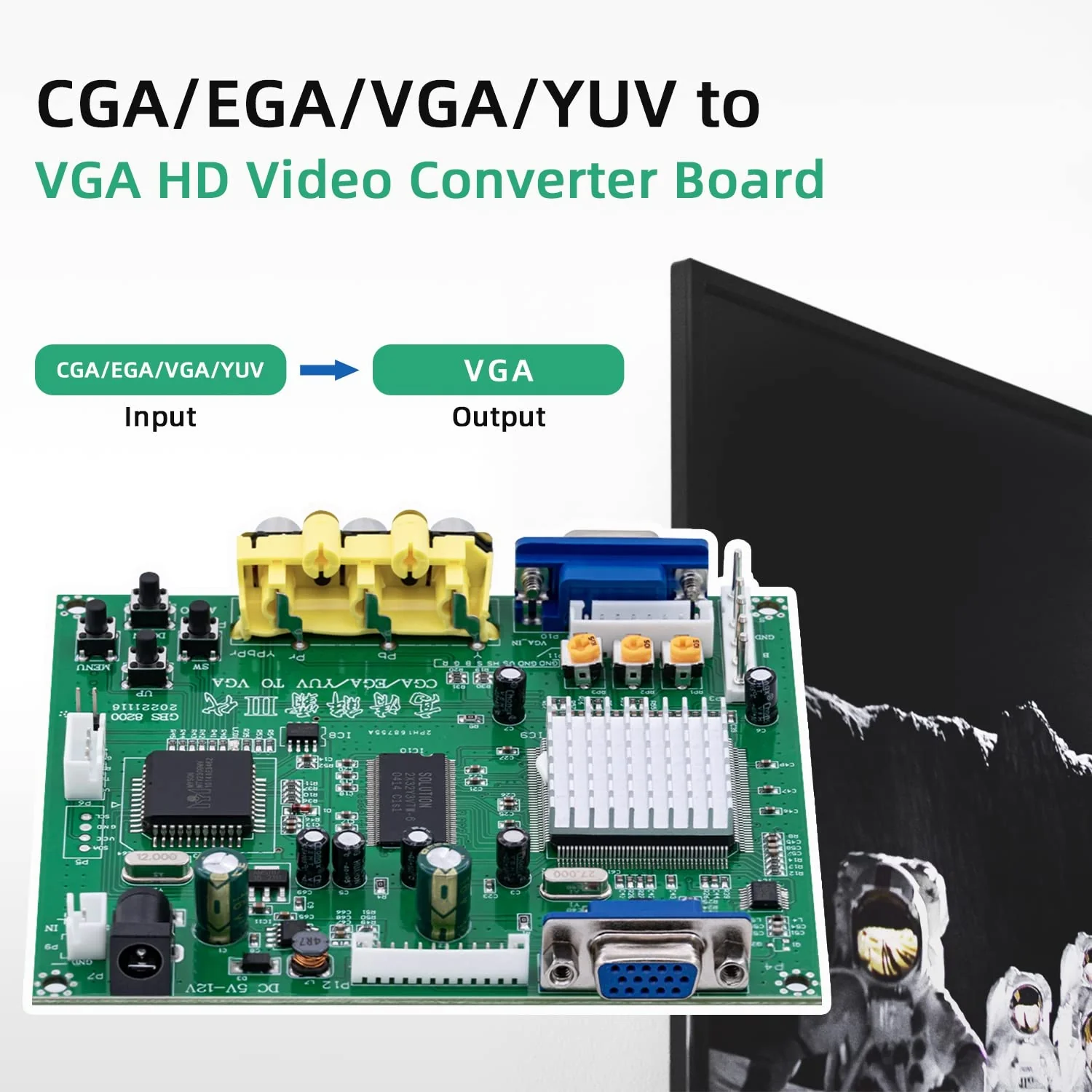
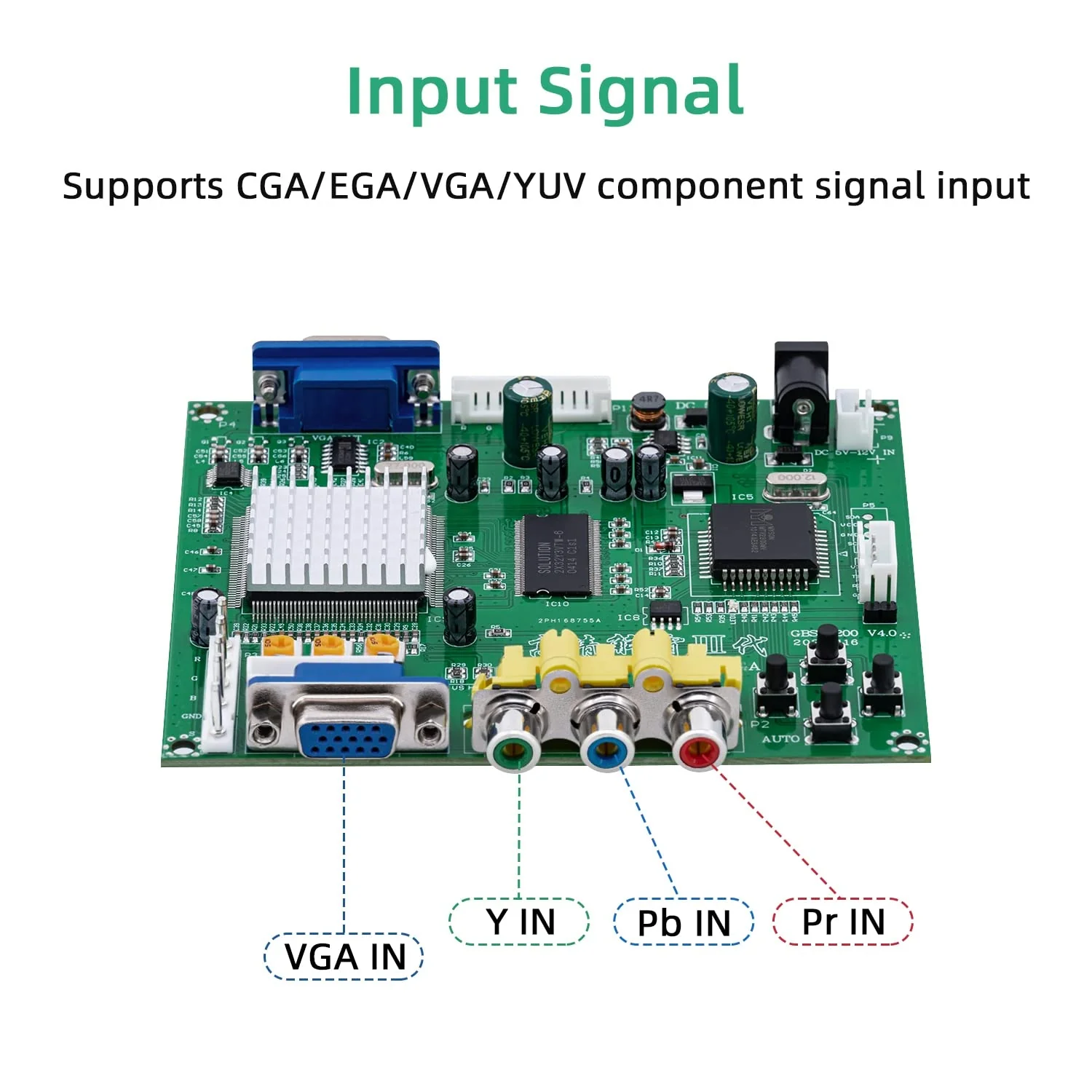
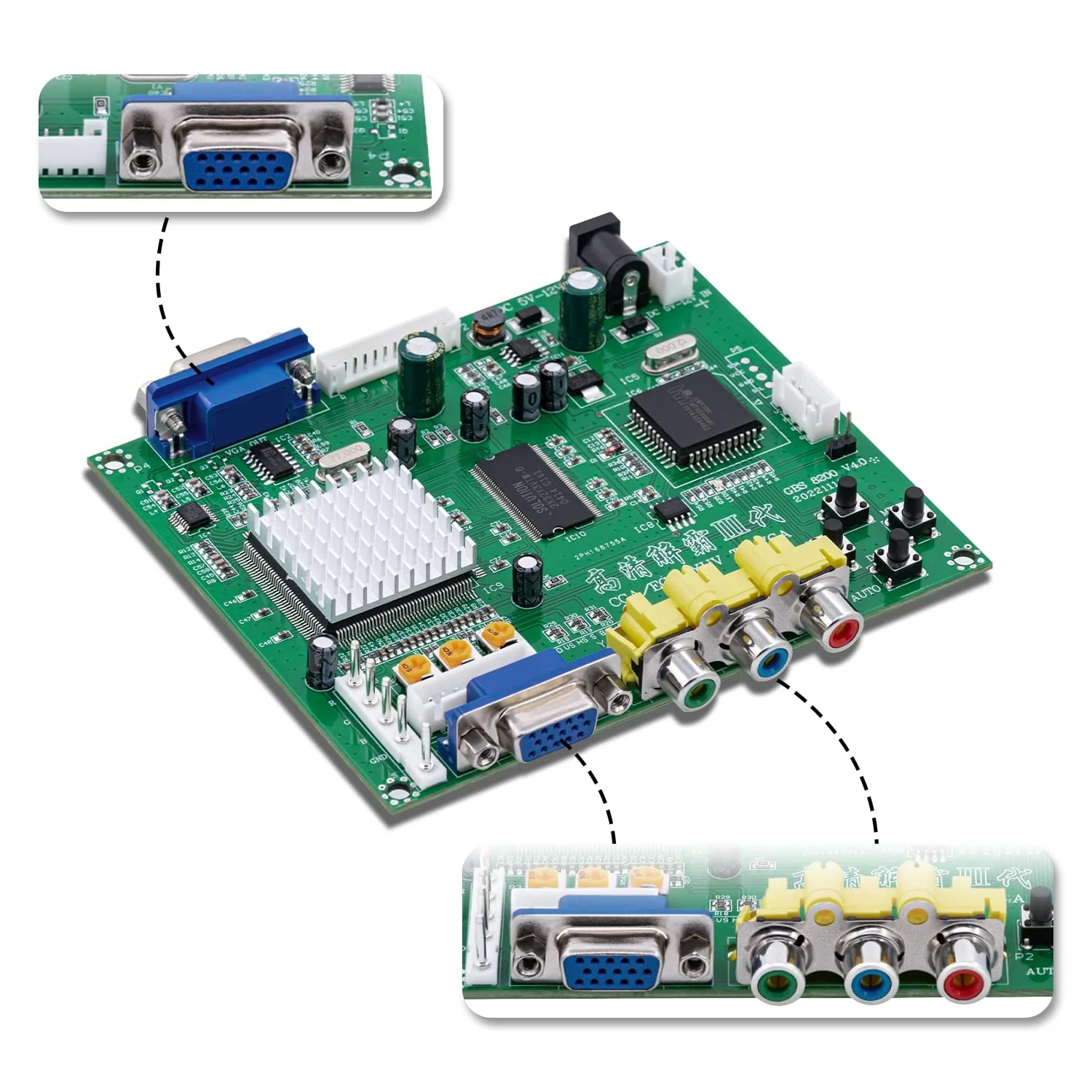
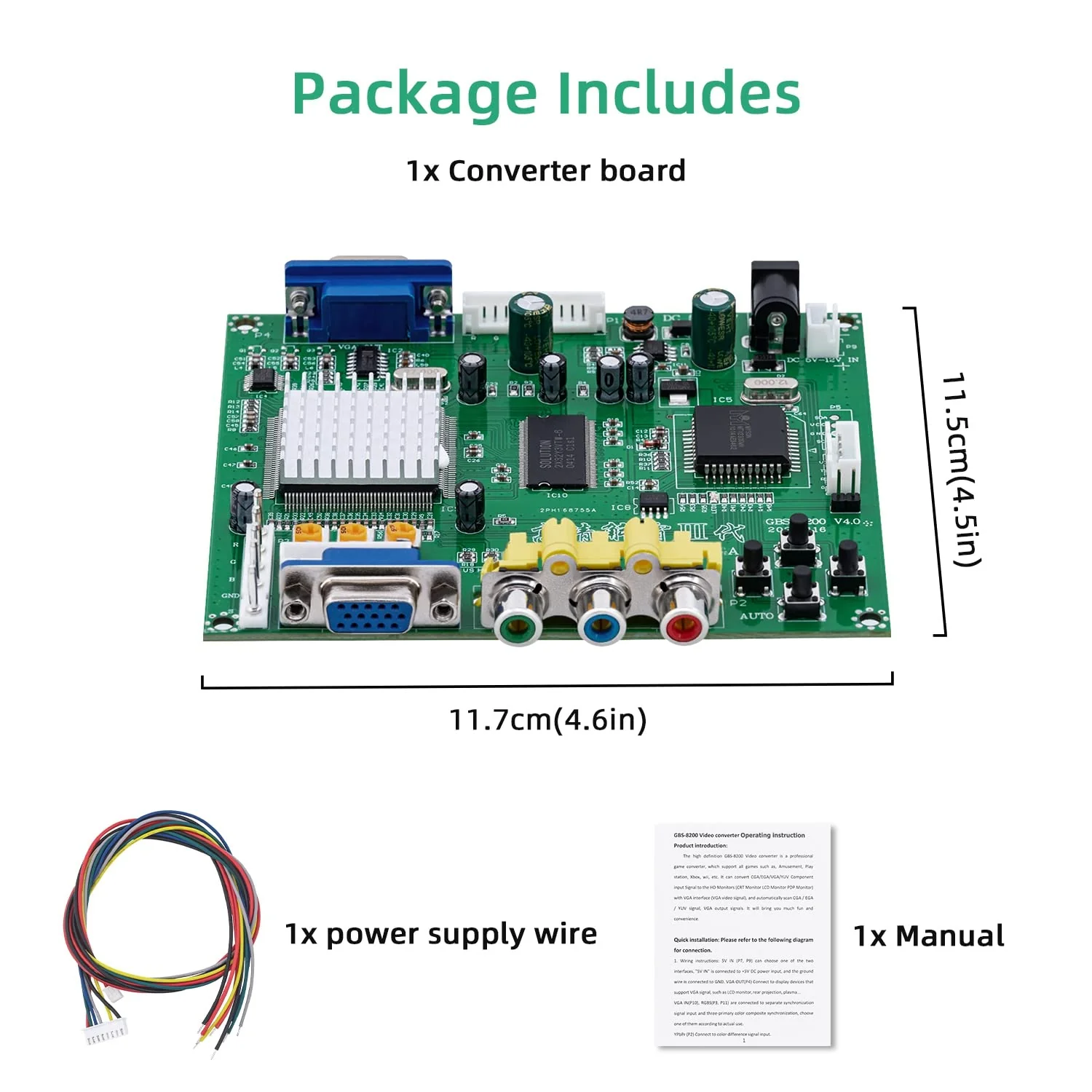
- It can convert CGA,EGA,VGA,YUV Component input Signal to the HD Monitors (CRT Monitor LCD Monitor PDP Monitor) with VGA interface (VGA video signal), and automatically scan CGA , EGA ,YUV signal, VGA output signals.
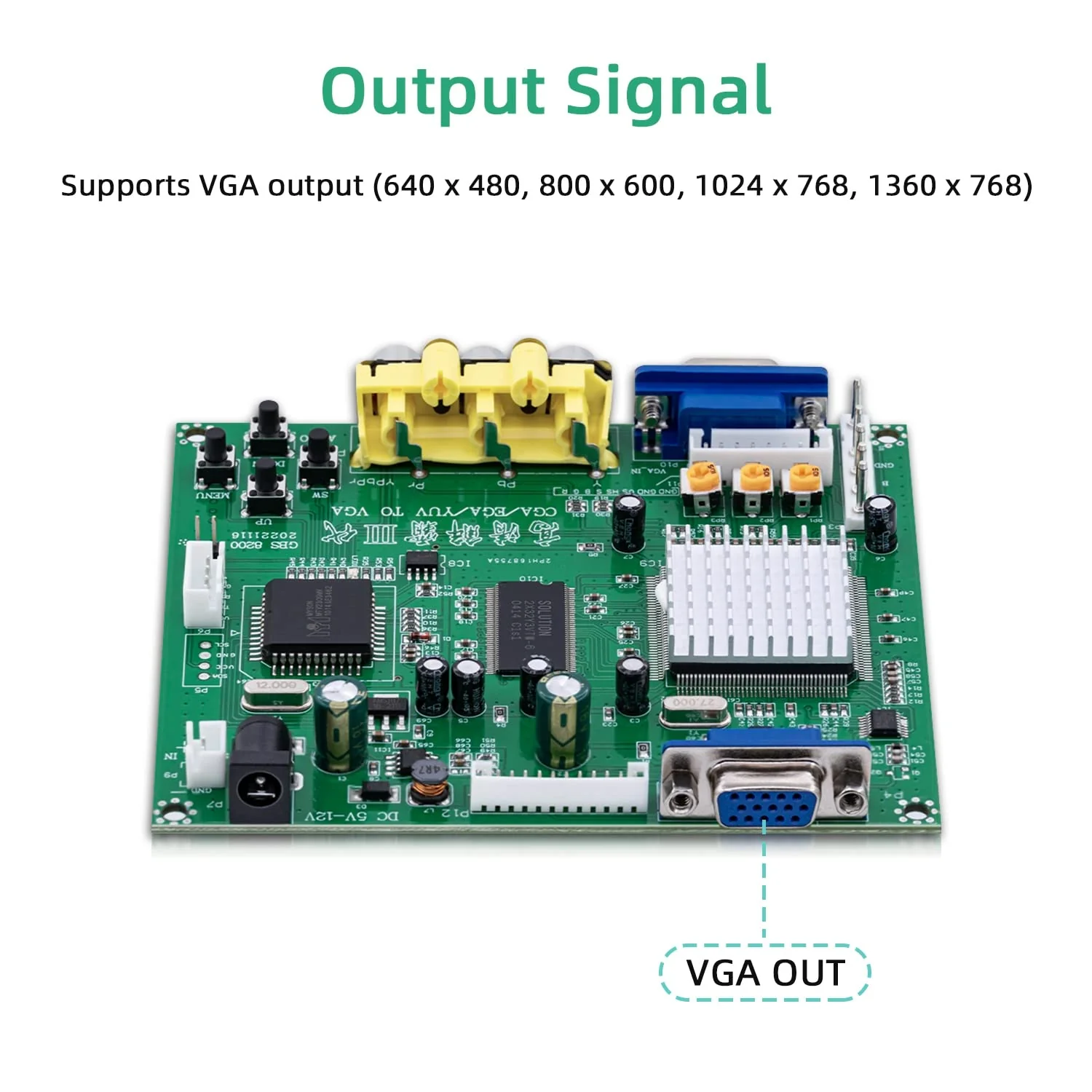
- Supports CGA,EGA,VGA,YUV Component Signal Input. CGA,EGA,VGA signal auto scan (15KHz, 24KHz, 31KHz),Supports VGA Output (640 * 480, 800 * 600, 1024 *768, 1360 *768).
- True digital 24-bit A,D converter for true 16.7-million color conversion. Supports image position control and image zoom control. Screen Display (English and Chinese)
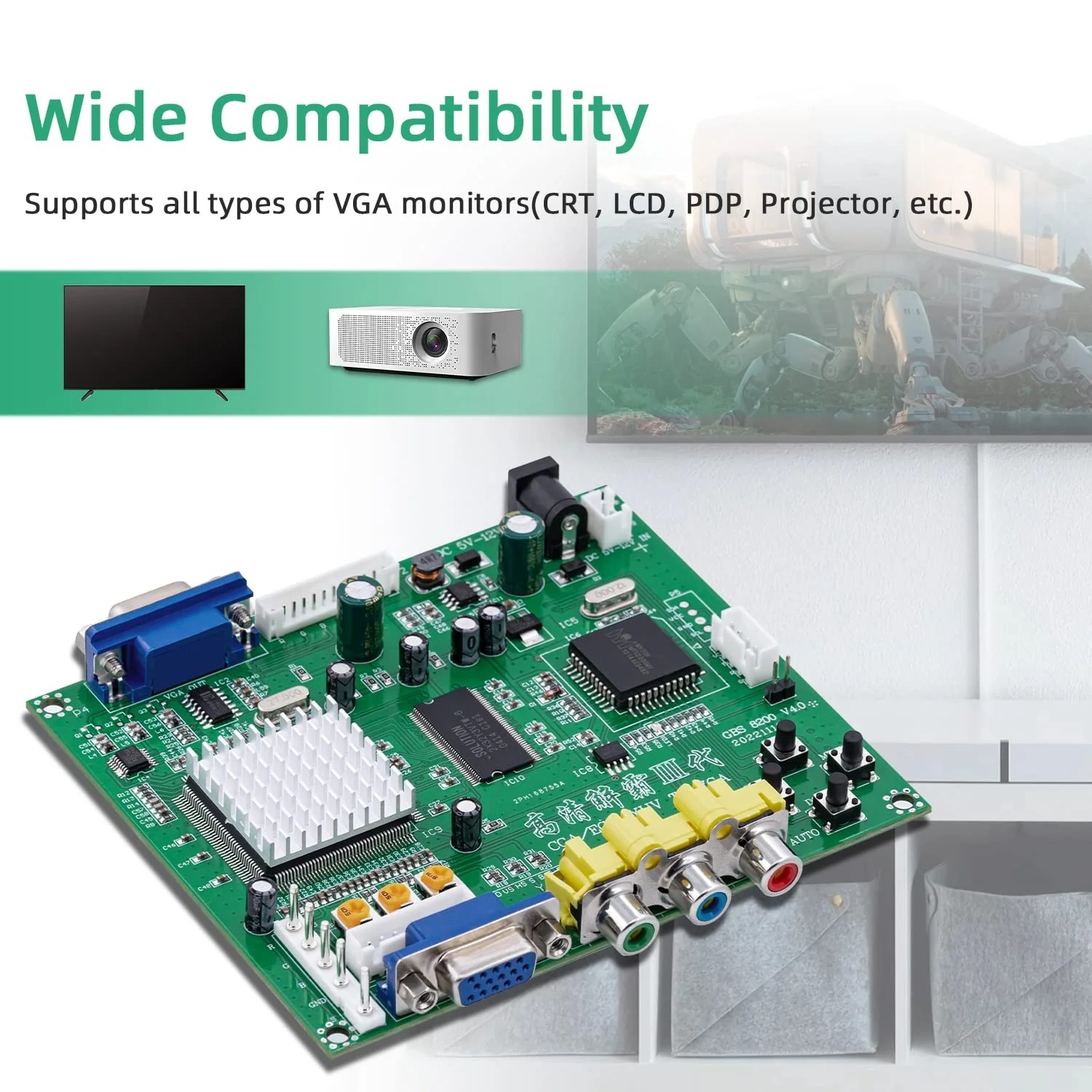
- Supports all types of VGA monitors (CRT, LCD, PDP, Projector, etc).
- To change the language, press the MENU button, go to Language, and choose your preferred language.
- IMPORTANT TROUBLESHOOTING TIPS FOR IMAGE SYNC: 1.Auto-Calibration: If the image is shaky or jittery, please press the 'AUTO' button on the control board to automatically calibrate the signal. 2.Common Grounding: For the best performance, ensure the converter and the game board share the same power supply. If using separate power sources, make sure the Ground (GND) wires are connected to prevent signal interference. 3.Signal Ground: Double-check that the input signal GND wire is properly connected to the converter's GND port. 4.Power Requirements: Use a high-quality power adapter (DC 5V, at least 2A) to ensure stable signal processing.
$126.04
Mcbazel Arcade Game RGB/CGA/EGA to VGA HD Game Video Output Converter Board for Arcade Monitor to CRT LCD PDP Projector—
$126.04
More Images
Mcbazel Arcade Game RGB/CGA/EGA to VGA HD Game Video Output Converter Board for Arcade Monitor to CRT LCD PDP Projector
Mcbazel Arcade Game RGB/CGA/EGA to VGA HD Game Video Output Converter Board for Arcade Monitor to CRT LCD PDP Projector
Product Features
- The high definition Video converter is a professional game converter, which support all games.
- It can convert CGA,EGA,VGA,YUV Component input Signal to the HD Monitors (CRT Monitor LCD Monitor PDP Monitor) with VGA interface (VGA video signal), and automatically scan CGA , EGA ,YUV signal, VGA output signals.
- Supports CGA,EGA,VGA,YUV Component Signal Input. CGA,EGA,VGA signal auto scan (15KHz, 24KHz, 31KHz),Supports VGA Output (640 * 480, 800 * 600, 1024 *768, 1360 *768).
- True digital 24-bit A,D converter for true 16.7-million color conversion. Supports image position control and image zoom control. Screen Display (English and Chinese)
- Supports all types of VGA monitors (CRT, LCD, PDP, Projector, etc).
- To change the language, press the MENU button, go to Language, and choose your preferred language.
- IMPORTANT TROUBLESHOOTING TIPS FOR IMAGE SYNC: 1.Auto-Calibration: If the image is shaky or jittery, please press the 'AUTO' button on the control board to automatically calibrate the signal. 2.Common Grounding: For the best performance, ensure the converter and the game board share the same power supply. If using separate power sources, make sure the Ground (GND) wires are connected to prevent signal interference. 3.Signal Ground: Double-check that the input signal GND wire is properly connected to the converter's GND port. 4.Power Requirements: Use a high-quality power adapter (DC 5V, at least 2A) to ensure stable signal processing.
Product Information
Product Information
Shipping & Returns
Shipping & Returns
Description
Mcbazel Arcade Game RGB/CGA/EGA to VGA HD Game Video Output Converter Board for Arcade Monitor to CRT LCD PDP Projector
Product Features
- The high definition Video converter is a professional game converter, which support all games.
- It can convert CGA,EGA,VGA,YUV Component input Signal to the HD Monitors (CRT Monitor LCD Monitor PDP Monitor) with VGA interface (VGA video signal), and automatically scan CGA , EGA ,YUV signal, VGA output signals.
- Supports CGA,EGA,VGA,YUV Component Signal Input. CGA,EGA,VGA signal auto scan (15KHz, 24KHz, 31KHz),Supports VGA Output (640 * 480, 800 * 600, 1024 *768, 1360 *768).
- True digital 24-bit A,D converter for true 16.7-million color conversion. Supports image position control and image zoom control. Screen Display (English and Chinese)
- Supports all types of VGA monitors (CRT, LCD, PDP, Projector, etc).
- To change the language, press the MENU button, go to Language, and choose your preferred language.
- IMPORTANT TROUBLESHOOTING TIPS FOR IMAGE SYNC: 1.Auto-Calibration: If the image is shaky or jittery, please press the 'AUTO' button on the control board to automatically calibrate the signal. 2.Common Grounding: For the best performance, ensure the converter and the game board share the same power supply. If using separate power sources, make sure the Ground (GND) wires are connected to prevent signal interference. 3.Signal Ground: Double-check that the input signal GND wire is properly connected to the converter's GND port. 4.Power Requirements: Use a high-quality power adapter (DC 5V, at least 2A) to ensure stable signal processing.