🚚 Free Worldwide Shipping on All Orders!Shop Now

HomeStore
Hagibis KVM Switch 1 Monitor 2 Computers with 100W PD, 4K@120Hz HDMI, USB-C KVM Switcher Hub Sharing Monitor Keyboard Mouse Printer Scanner for Switch2 macOS Windows Linux
Hagibis KVM Switch 1 Monitor 2 Computers with 100W PD, 4K@120Hz HDMI, USB-C KVM Switcher Hub Sharing Monitor Keyboard Mouse Printer Scanner for Switch2 macOS Windows Linux
Hagibis KVM Switch 1 Monitor 2 Computers with 100W PD, 4K@120Hz HDMI, USB-C KVM Switcher Hub Sharing Monitor Keyboard Mouse Printer Scanner for Switch2 macOS Windows Linux
Product Features
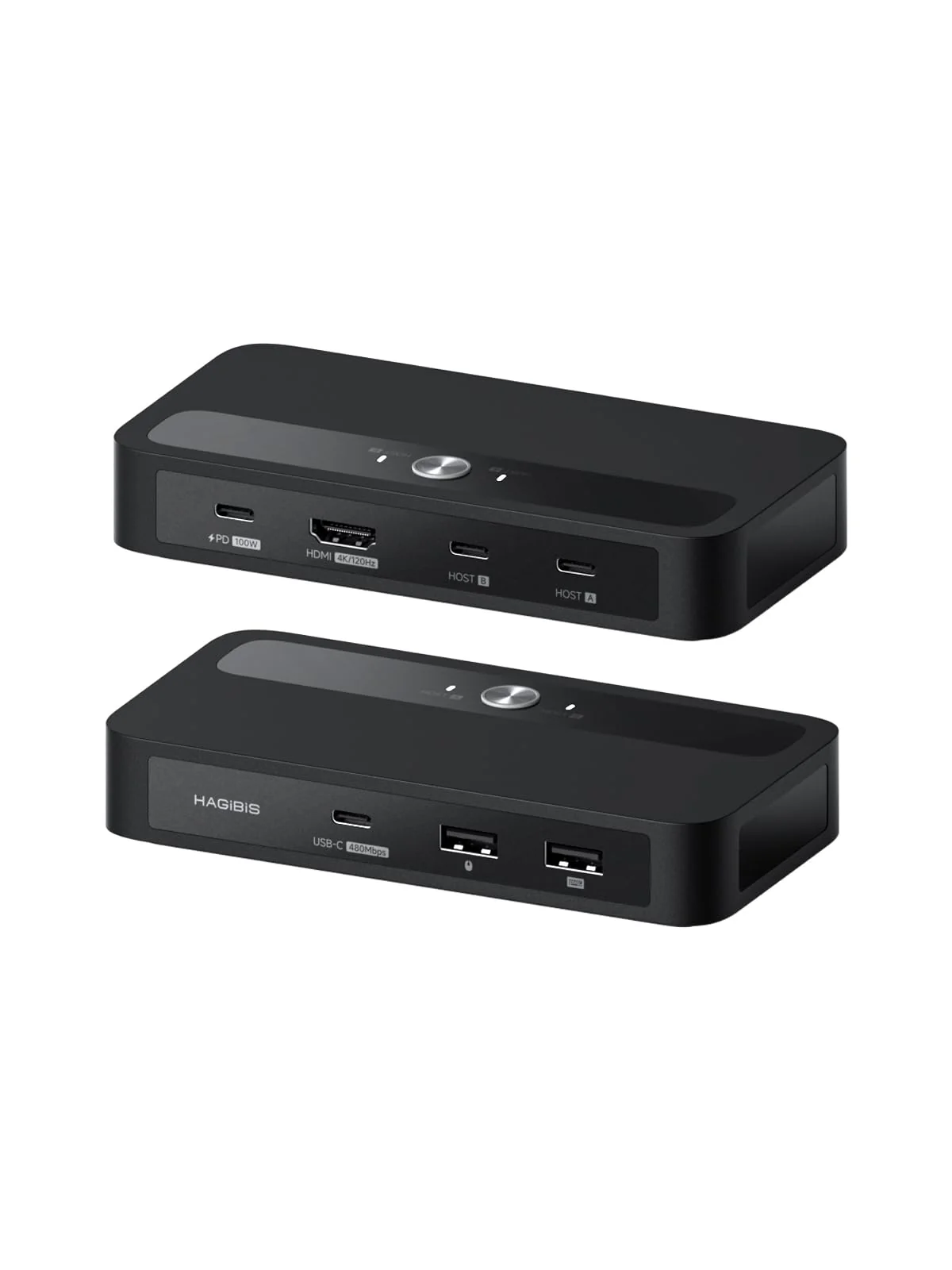
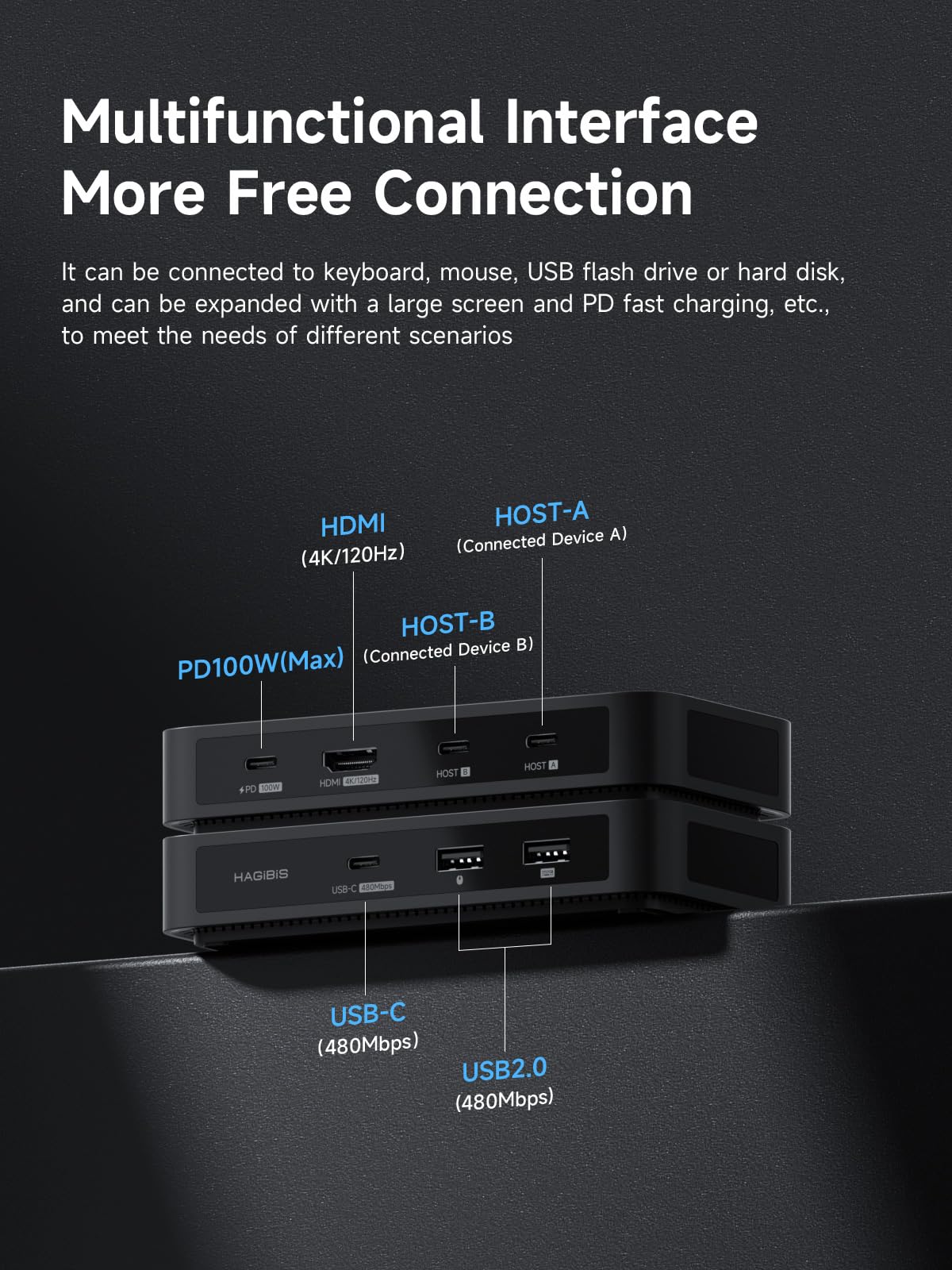
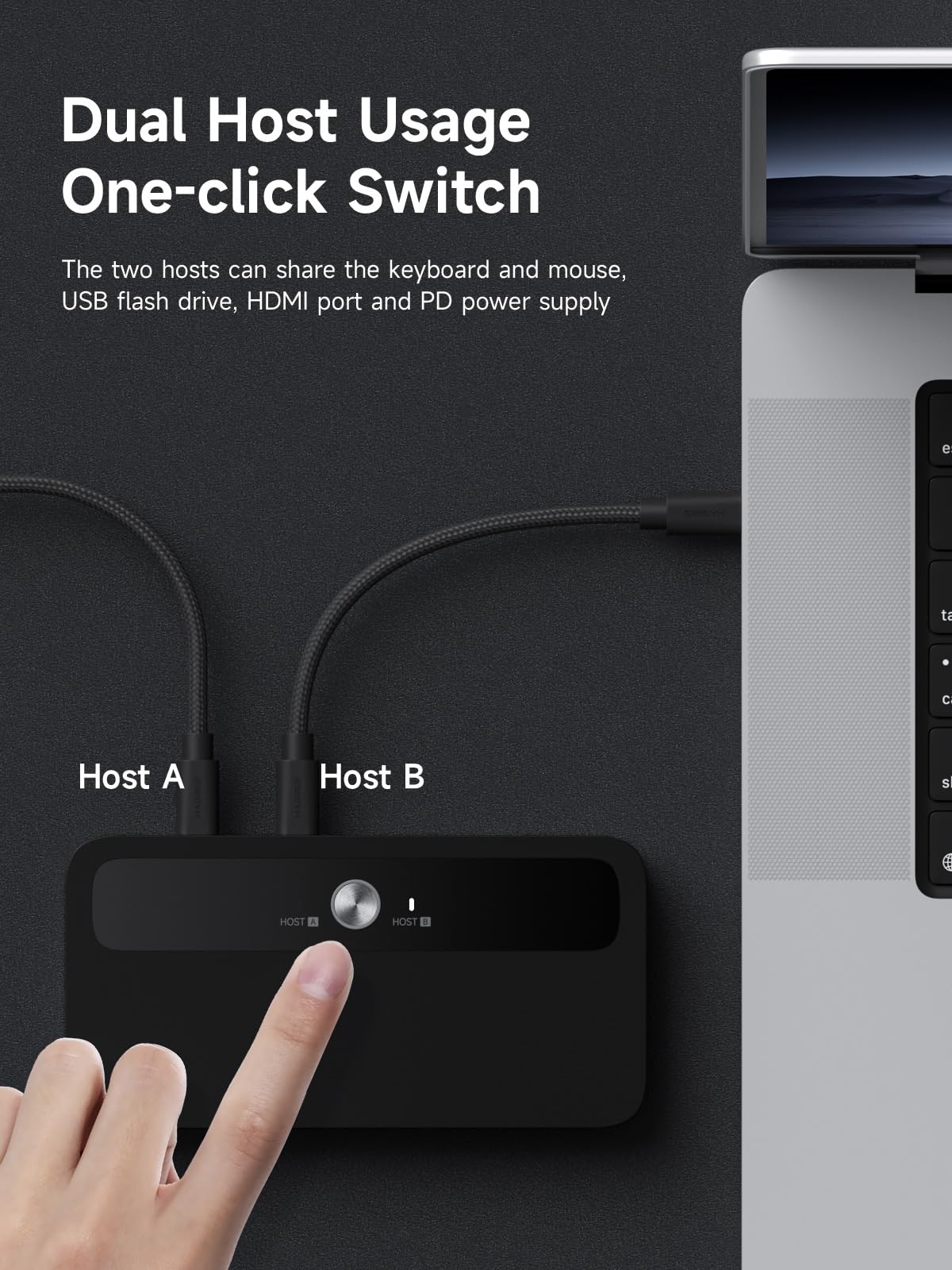
- Plug & Play: Driver-free operation with automatic adaptation to multi-systems including Windows, macOS, and Linux (e.g., USB sound cards, card readers). Directly compatible via Windows' built-in driver library, avoiding driver compatibility issues caused by system differences. One-key switching for dual hosts enables sharing of keyboard, mouse, USB drives, and video ports between two computers, with 100W PD power supply supported
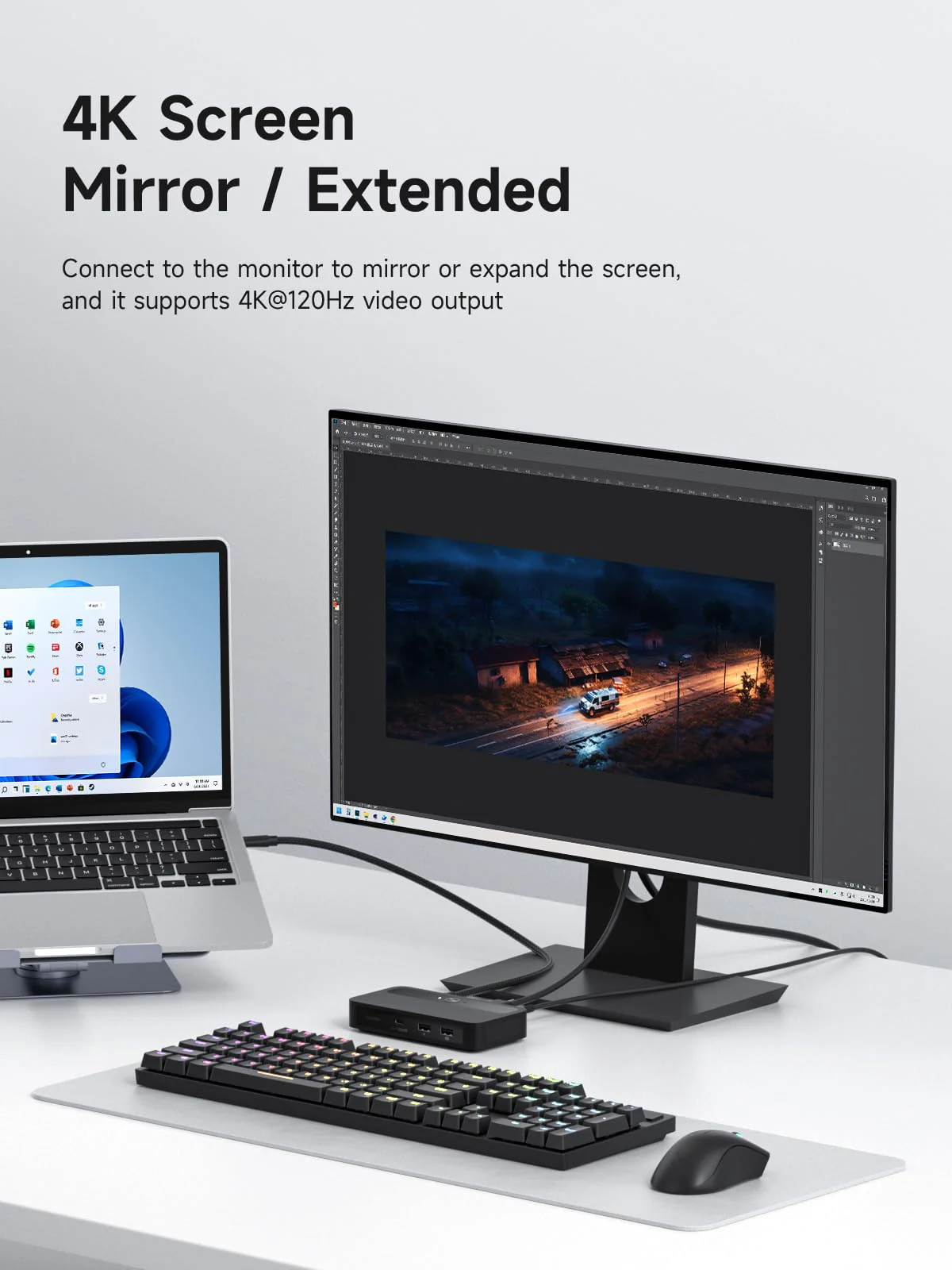
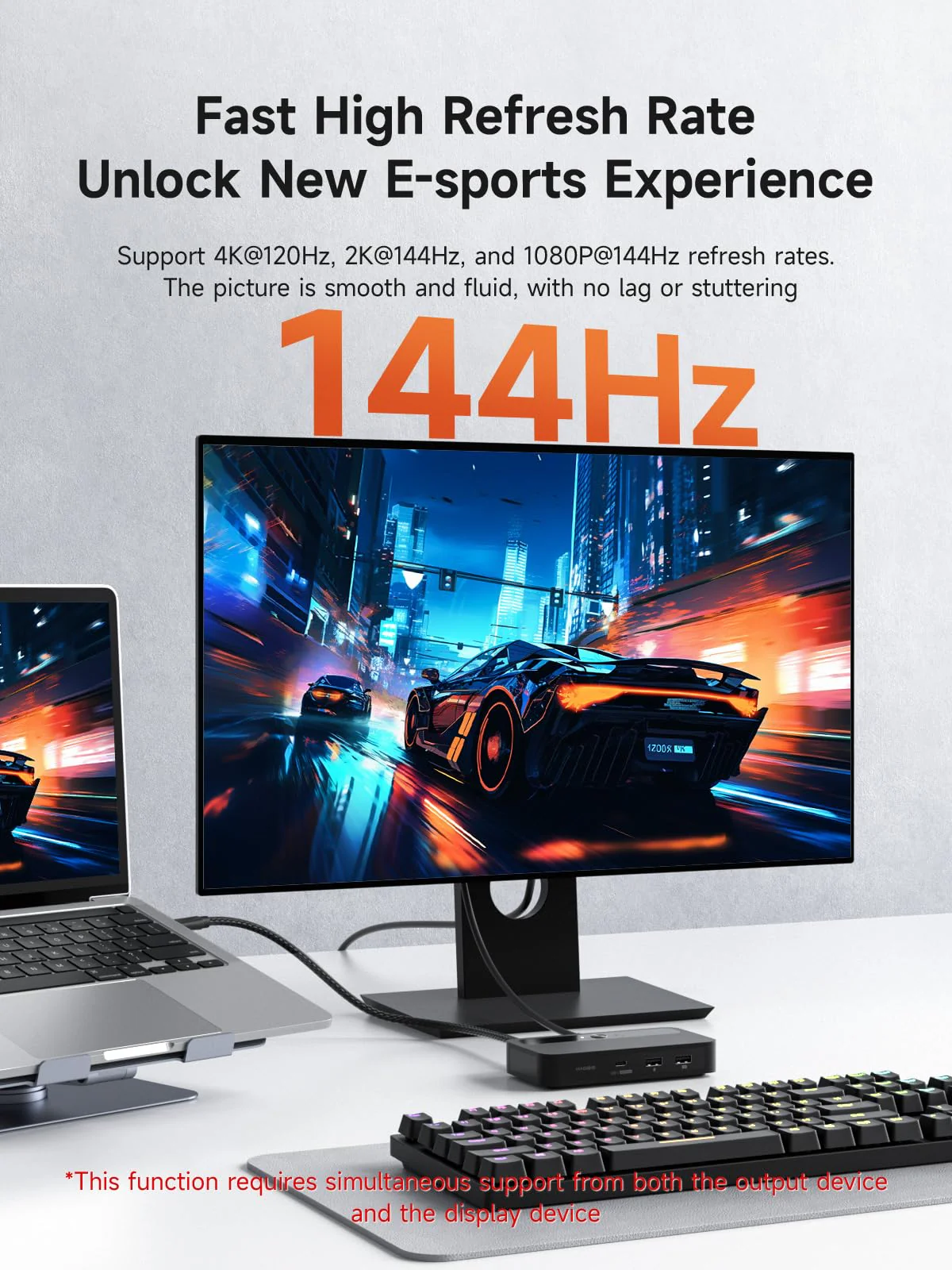
- Smooth Visual Experience: Hagibis KVM switch supports up to 4K@120Hz resolution, delivering an incredible viewing experience with lifelike images and vibrant colors. It also offers backward compatibility with 2K@144Hz, 1080P@144Hz or lower resolutions to ensure compatibility with various HDMI devices
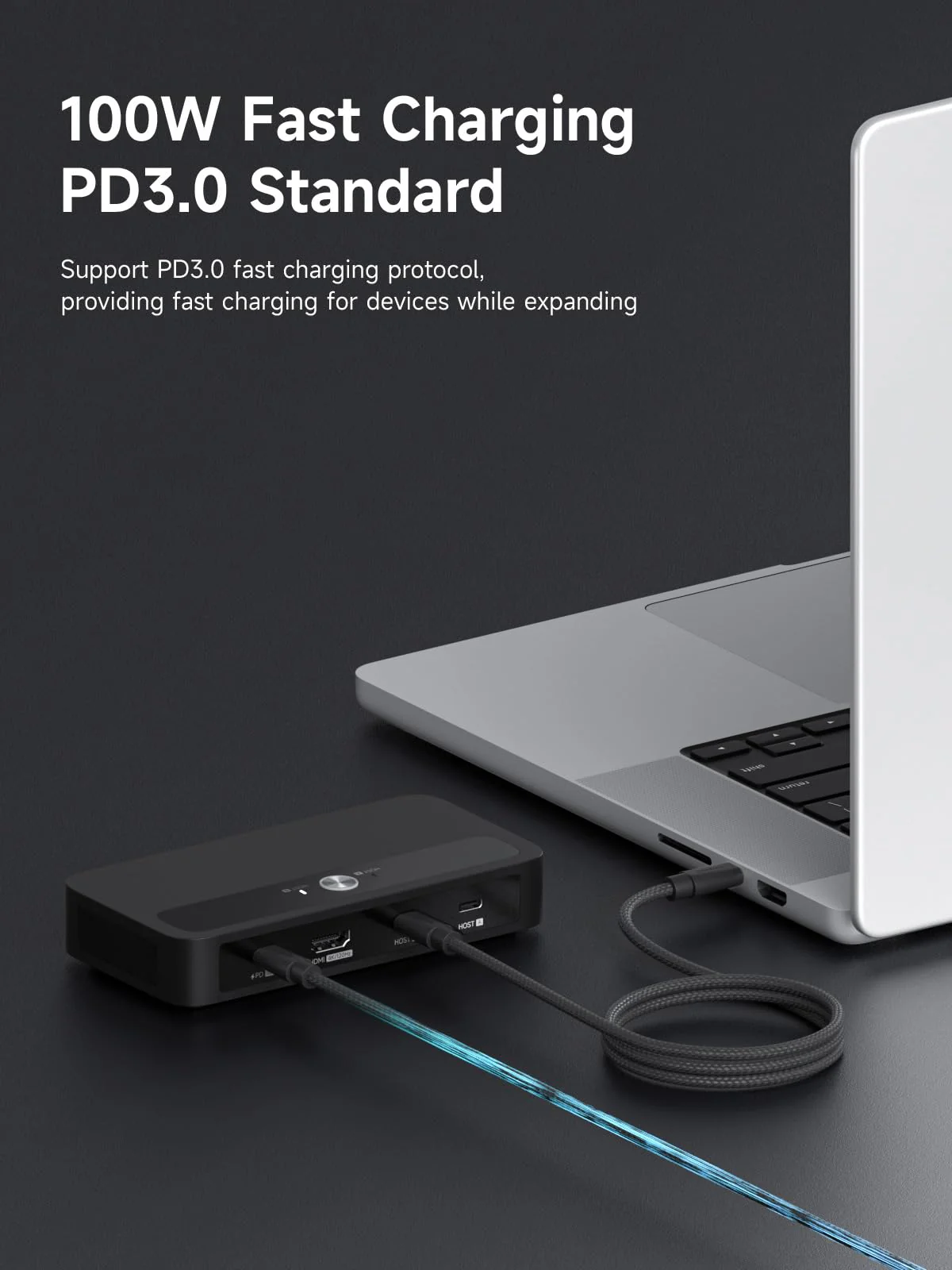
- 100W Power Delivery: Utilizes PD3.0 Programmable Power Supply (PPS) to deliver up to 100W dynamic power, enabling direct charging for high-wattage devices like gaming laptops (180W max) and 27-inch 4K monitors (65W). This reduces the need for separate adapters and supports fast charging at 90% efficiency during device operation
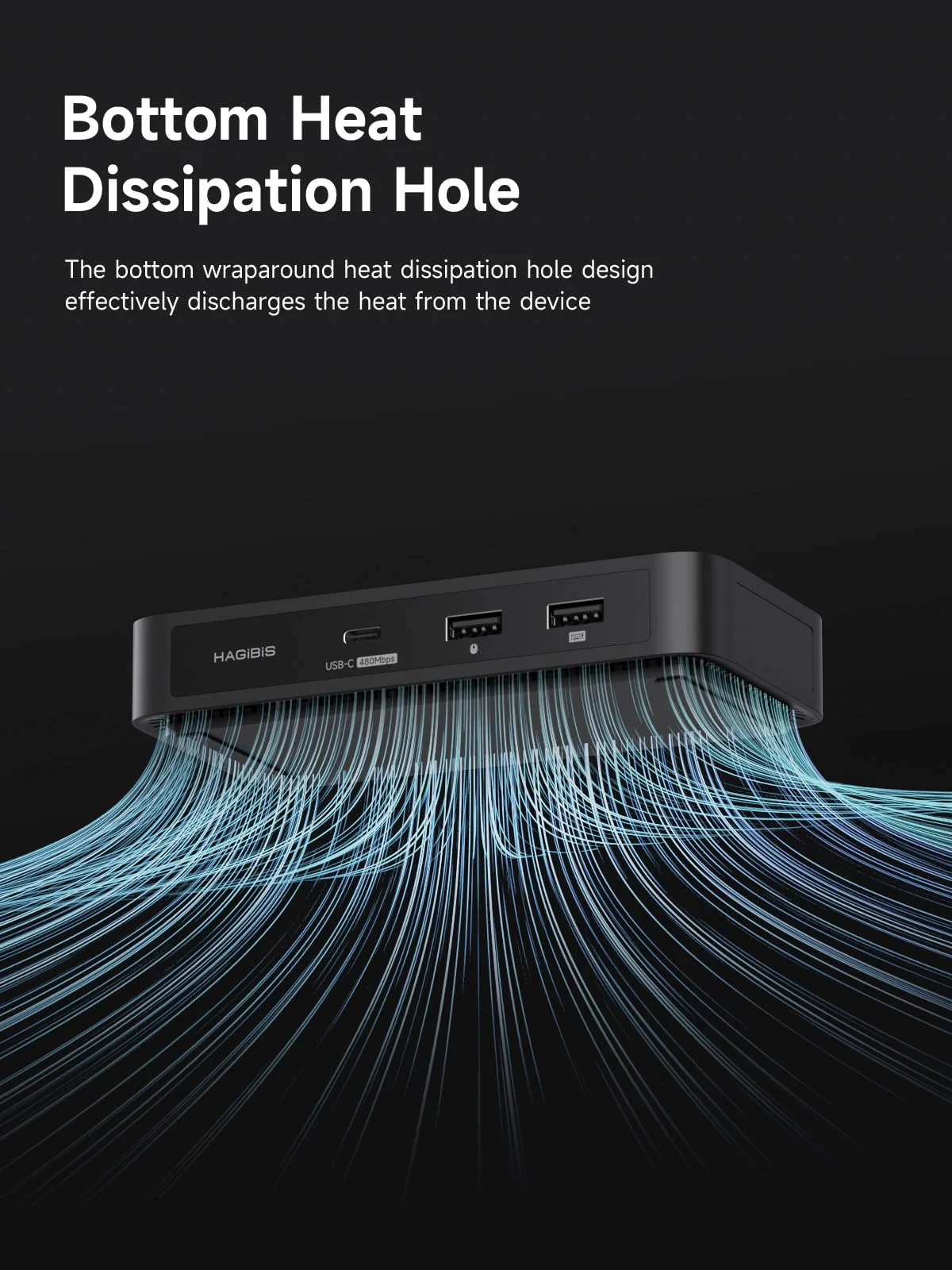
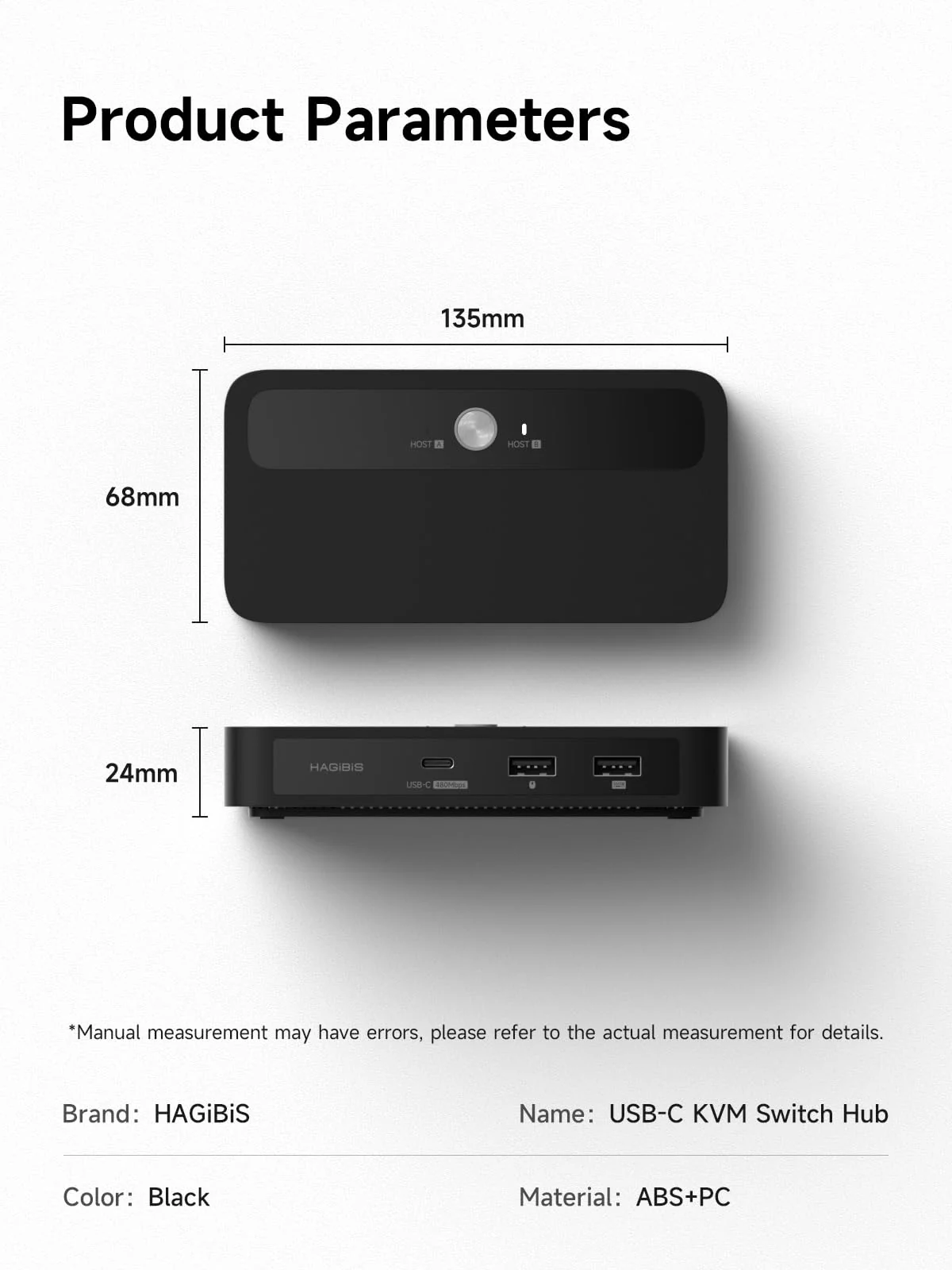
- Good Heat Dissipation System:The bottom features a wrap-around cooling vent design, effectively expelling device heat to prevent overheating and ensure a smooth user experience. Keep your device operating stably without heat burden
- Multiple Adaptation Combinations:Laptop+Laptop, Laptop+Desktop, Laptop+Mobile/Tablet or Laptop+Handheld Console.(Attention:When the device's Type-C supports the DP protocol, directly connect the HOST port to the device's Type-C port using a full-featured cable. When the device's Type-C does not support the DP protocol, use an HDMI-to-USB-C converter to connect the Host port to the device's HDMI/USB-A port.The host connection port must support the PD power supply protocol.)
$54.76
Original: $156.47
-65%Hagibis KVM Switch 1 Monitor 2 Computers with 100W PD, 4K@120Hz HDMI, USB-C KVM Switcher Hub Sharing Monitor Keyboard Mouse Printer Scanner for Switch2 macOS Windows Linux—
$156.47
$54.76More Images
Hagibis KVM Switch 1 Monitor 2 Computers with 100W PD, 4K@120Hz HDMI, USB-C KVM Switcher Hub Sharing Monitor Keyboard Mouse Printer Scanner for Switch2 macOS Windows Linux
Hagibis KVM Switch 1 Monitor 2 Computers with 100W PD, 4K@120Hz HDMI, USB-C KVM Switcher Hub Sharing Monitor Keyboard Mouse Printer Scanner for Switch2 macOS Windows Linux
Product Features
- Plug & Play: Driver-free operation with automatic adaptation to multi-systems including Windows, macOS, and Linux (e.g., USB sound cards, card readers). Directly compatible via Windows' built-in driver library, avoiding driver compatibility issues caused by system differences. One-key switching for dual hosts enables sharing of keyboard, mouse, USB drives, and video ports between two computers, with 100W PD power supply supported
- Smooth Visual Experience: Hagibis KVM switch supports up to 4K@120Hz resolution, delivering an incredible viewing experience with lifelike images and vibrant colors. It also offers backward compatibility with 2K@144Hz, 1080P@144Hz or lower resolutions to ensure compatibility with various HDMI devices
- 100W Power Delivery: Utilizes PD3.0 Programmable Power Supply (PPS) to deliver up to 100W dynamic power, enabling direct charging for high-wattage devices like gaming laptops (180W max) and 27-inch 4K monitors (65W). This reduces the need for separate adapters and supports fast charging at 90% efficiency during device operation
- Good Heat Dissipation System:The bottom features a wrap-around cooling vent design, effectively expelling device heat to prevent overheating and ensure a smooth user experience. Keep your device operating stably without heat burden
- Multiple Adaptation Combinations:Laptop+Laptop, Laptop+Desktop, Laptop+Mobile/Tablet or Laptop+Handheld Console.(Attention:When the device's Type-C supports the DP protocol, directly connect the HOST port to the device's Type-C port using a full-featured cable. When the device's Type-C does not support the DP protocol, use an HDMI-to-USB-C converter to connect the Host port to the device's HDMI/USB-A port.The host connection port must support the PD power supply protocol.)
Product Information
Product Information
Shipping & Returns
Shipping & Returns
Description
Hagibis KVM Switch 1 Monitor 2 Computers with 100W PD, 4K@120Hz HDMI, USB-C KVM Switcher Hub Sharing Monitor Keyboard Mouse Printer Scanner for Switch2 macOS Windows Linux
Product Features
- Plug & Play: Driver-free operation with automatic adaptation to multi-systems including Windows, macOS, and Linux (e.g., USB sound cards, card readers). Directly compatible via Windows' built-in driver library, avoiding driver compatibility issues caused by system differences. One-key switching for dual hosts enables sharing of keyboard, mouse, USB drives, and video ports between two computers, with 100W PD power supply supported
- Smooth Visual Experience: Hagibis KVM switch supports up to 4K@120Hz resolution, delivering an incredible viewing experience with lifelike images and vibrant colors. It also offers backward compatibility with 2K@144Hz, 1080P@144Hz or lower resolutions to ensure compatibility with various HDMI devices
- 100W Power Delivery: Utilizes PD3.0 Programmable Power Supply (PPS) to deliver up to 100W dynamic power, enabling direct charging for high-wattage devices like gaming laptops (180W max) and 27-inch 4K monitors (65W). This reduces the need for separate adapters and supports fast charging at 90% efficiency during device operation
- Good Heat Dissipation System:The bottom features a wrap-around cooling vent design, effectively expelling device heat to prevent overheating and ensure a smooth user experience. Keep your device operating stably without heat burden
- Multiple Adaptation Combinations:Laptop+Laptop, Laptop+Desktop, Laptop+Mobile/Tablet or Laptop+Handheld Console.(Attention:When the device's Type-C supports the DP protocol, directly connect the HOST port to the device's Type-C port using a full-featured cable. When the device's Type-C does not support the DP protocol, use an HDMI-to-USB-C converter to connect the Host port to the device's HDMI/USB-A port.The host connection port must support the PD power supply protocol.)